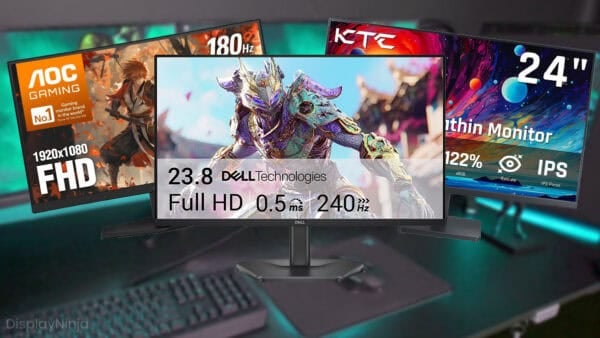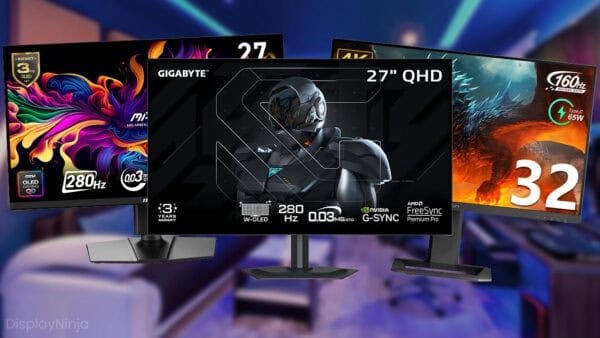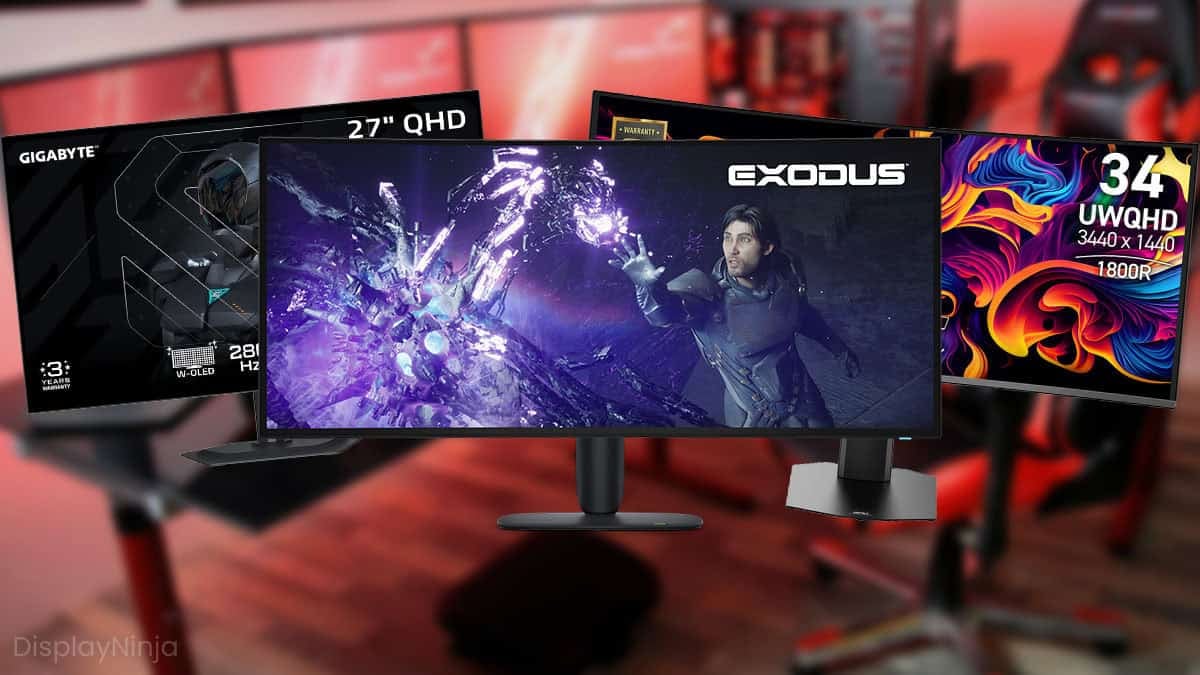
Need a new gaming monitor? Well, you’ve come to the right place!
Here, you’ll find only the best gaming monitor deals currently available as well as all the information you’ll need to make sure you’re getting the perfect monitor for you.
| Type | Monitor | Size | Resolution | Panel | Refresh Rate | |
|---|---|---|---|---|---|---|
| Best 1080p Gaming Monitors | 24” | 1920x1080 | IPS | 240Hz | ||
| 24” | 1920x1080 | TN | 400Hz | |||
| 24” | 1920x1080 | TN | 600Hz | |||
| 24.5” | 1920x1080 | IPS | 1100Hz | |||
| Best 1440p Gaming Monitors | 27" | 2560x1440 | VA | 180Hz | ||
| 32” | 2560x1440 | VA | 240Hz | |||
| 27” | 2560x1440 | VA | 240Hz | |||
| 27” | 2560x1440 | IPS | 210Hz | |||
| 25” | 2560x1440 | IPS | 300Hz | |||
| 32” | 2560x1440 | IPS | 200Hz | |||
| 27” | 2560x1440 | IPS | 360Hz | |||
| 24” | 2560x1440 | TN | 360Hz | |||
| Best UltraWide Gaming Monitors | 34” | 3440x1440 | VA | 165Hz | ||
| 34” | 3440x1440 | IPS | 144Hz | |||
| 40” | 3440x1440 | IPS | 155Hz | |||
| 49” | 5120x1440 | VA | 240Hz | |||
| 40” | 5120x2160 | VA | 180Hz | |||
| 52” | 5120x2160 | VA | 240Hz | |||
| Best 4K+ Gaming Monitors | 27” | 3840x2160 | IPS | 160Hz, 1080p 320Hz | ||
| 27” | 5120x2880 | IPS | 180Hz, 1440p 360Hz | |||
| 37” | 3840x2160 | VA | 165Hz | |||
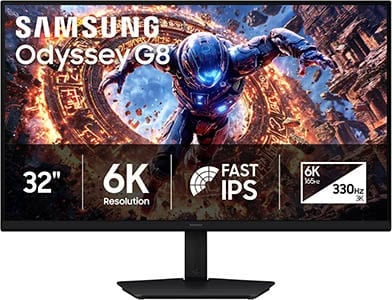
| 32” | 6144x3456 | IPS | 6K 165Hz, 3K 330Hz | |||
| Best Mini LED HDR Gaming Monitors | 27" | 2560x1440 | VA | 180Hz | ||
| 27" | 2560x1440 | IPS | 210Hz | |||
| 27" | 3840x2160 | IPS | 160Hz, 1080p 320Hz | |||
| 27" | 3840x2160 | IPS | 160Hz, 1080p 320Hz | |||
| 27" | 5120x2880 | IPS | 165Hz, 1440p 330Hz | |||
| 32” | 3840x2160 | IPS | 160Hz | |||
| 32” | 3840x2160 | IPS | 160Hz, 1080p 320Hz | |||
| Best 1440p OLED HDR Gaming Monitors | 27” | 2560x1440 | QD-OLED | 500Hz | ||
| 27" | 2560x1440 | W-OLED | 540Hz, 720p 720Hz | |||
| 27" | 2560x1440 | QD-OLED | 280Hz | |||
| 27" | 2560x1440 | W-OLED | 280Hz | |||
| 27" | 2560x1440 | W-OLED | 240Hz | |||
| Best 4K OLED HDR Gaming Monitors | 27" | 3840x2160 | QD-OLED | 240Hz | ||
| 27" | 3840x2160 | W-OLED | 240Hz, 1080p 480Hz | |||
| 32" | 3840x2160 | QD-OLED | 165Hz | |||
| 32" | 3840x2160 | QD-OLED | 240Hz | |||
| 32" | 3840x2160 | W-OLED | 240Hz, 1080p 480Hz | |||
| 32" | 3840x2160 | W-OLED | 4K 240Hz, 1080p 480Hz | |||
| 42" | 3840x2160 | W-OLED | 165Hz | |||
| Best UltraWide Mini LED HDR Gaming Monitors | 34" | 3440x1440 | VA | 200Hz | ||
| 57" | 7680x2160 | VA | 240Hz | |||
| Best UltraWide OLED HDR Gaming Monitors | 34" | 3440x1440 | QD-OLED | 280Hz | ||
| 34" | 3440x1440 | QD-OLED | 280Hz | |||
| 34" | 3440x1440 | QD-OLED | 360Hz | |||
| 39" | 3440x1440 | W-OLED | 240Hz | |||
| 39" | 5120x2160 | W-OLED | 165Hz, 2560x1080 330Hz | |||
| 45" | 3440x1440 | W-OLED | 240Hz | |||
| 45" | 5120x2160 | W-OLED | 165Hz, 2560x1080 330Hz | |||
| 49" | 5120x1440 | QD-OLED | 240Hz |


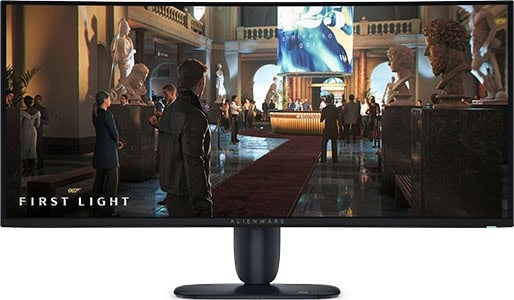

Dell AW3926QW
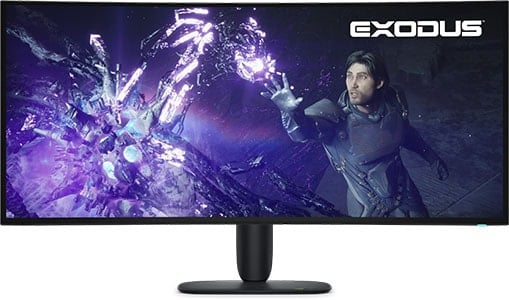
- 5K2K W-OLED panel
- Infinite contrast ratio
- VRR up to 165Hz

MSI MAG 341CQP QD OLED X28
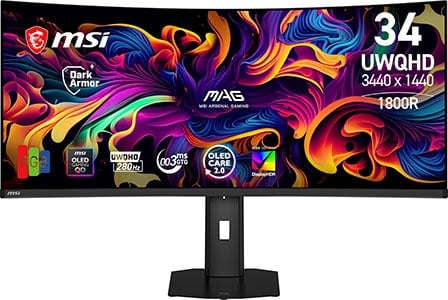
- QD-OLED panel with V-stripe RGB subpixel layout
- Infinite contrast ratio
- VRR up to 280Hz

Gigabyte MO27Q28GR
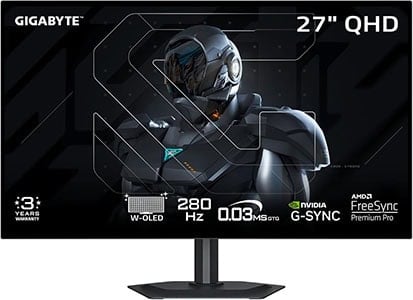
- Affordable OLED monitor
- Infinite contrast ratio
- VRR up to 280Hz
As you can see, there are plenty of gaming monitors to choose from!
We’ve selected the best models for every possible combination of display specifications in order to provide you with a diverse selection.
While we’ve picked the best monitors for each category, be sure to check the ‘Alternatives’ section of each review summary below.
Depending on region and availability, the alternate display might suit you better. We’ll also mention if there are any upcoming and/or similar displays to keep in mind.
Be sure to read the reviews below to familiarize yourself with what panel type, resolution, refresh rate and other features (such as HDR and VRR) best suit your preference, budget and PC rig or console. Also, feel free to leave us a comment below if you’re on the fence between two or more gaming monitors!
If you want to view our changelogs for this particular buying guide, you can do so at the end of this article.
Table of ContentsShow
Best 1080p Gaming Monitors
The 1920×1080 or 1080p resolution is the least demanding on your CPU and GPU, allowing you to maintain a high frame rate more easily. Whether you need a good budget 1080p gaming monitor or the absolute best one, we’ve got you covered!
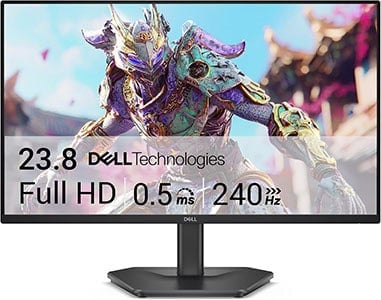
Dell SE2426HG
Best Budget Gaming Monitor
Size: 24”
Resolution: 1920×1080
Panel: IPS
Refresh Rate: 240Hz
The Pros:
- Accurate and vivid colors
- Wide viewing angles
- Quick response time
- Plenty of features, including VRR up to 240Hz
The Cons:
- IPS glow and mediocre contrast ratio (as expected from this panel technology)
- Tilt-only stand
About The Monitor
The Dell SE2426HG is our top-recommended 1080p 144Hz+ gaming monitor – here’s why!
Image Quality
Besides not being demanding, another good thing about 1080p resolution is that it looks good on ~24″ sized screens. On the 23.8″ viewable screen of the Dell SE2426HG, you get a decent pixel density of 92.56 PPI (pixels per inch).
As a result, you get a decent amount of screen space and fairly sharp details and text. The same resolution on a 27″ monitor, for instance, would look considerably more pixelated, though some users wouldn’t mind it.
The Dell SE2426HG is based on an IPS panel with full sRGB gamut coverage for vivid colors without oversaturation, and 178° wide viewing angles, which ensure that the image remains perfect regardless of the angle you’re looking at it.
Next, it has a peak brightness of 300-nits, meaning that it can get more than bright enough even in bright rooms.
The contrast ratio amounts to 1,000:1, which is standard for IPS panel monitors. So, blacks won’t be quite as deep as that of VA panels (with a ~3,000:1 contrast ratio). It’s mainly in dark rooms that blacks appear a bit grayish in comparison to VA panels, but the image is still quite vibrant overall. Besides, VA panels have flaws of their own.
IPS monitors are also affected by IPS glow, but its severity varies across different units of monitors, and it’s usually manageable.
The Dell SE2426HG has a fast GtG pixel response time for no visible trailing behind fast-moving objects – ideal for first-person shooters.
AMD FreeSync is supported with a 48-240Hz VRR range for tear-free gameplay up to 240FPS, and the ‘G-SYNC Compatible’ mode works flawlessly with GeForce cards, even though the monitor is not certified by NVIDIA.
In contrast, VA panel monitors at this price range have significantly slower response times, resulting in noticeable smearing in fast-paced games. Moreover, most units are affected by VRR brightness flickering.
Design & Connectivity
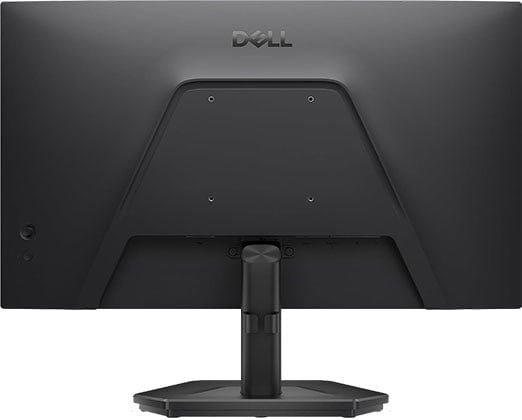
The stand of the monitor is tilt-only, but the screen is VESA mount compatible, so we highly recommend investing in a third-party stand.
A basic ~$20 desk-clamping stand will provide you with better ergonomics than any stand, declutter your desk and you can use it in the future for other monitors.
Connectivity options include DisplayPort 1.4, two HDMI 2.0 ports and a headphone jack.
Alternatives
- AOC 24G42HE – 24″ 1080p 200Hz IPS model for $85
- AOC 25G51Z – 24.5″ 1080p 260Hz IPS model for $120
- AOC 24G51F – 1080p 144Hz IPS model for $90
- Dell SE2426H – 24″ 1080p 144Hz IPS model for $76, but it only has HDMI ports, meaning that you cannot use VRR with NVIDIA GPUs
- Dell S2425HSM – 24″ 1080p 144Hz IPS model with an ergonomic stand, DisplayPort and integrated speakers for $120 – $150
- Koorui G2511P – 24.5″ 1080p 200Hz IPS model for $180 ($90 on sale)
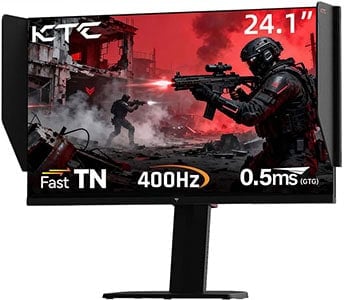
KTC 25M1
Value eSports Gaming Monitor
Size: 24”
Resolution: 1920×1080
Panel: TN
Refresh Rate: 400Hz
The Pros:
- Quick response time
- Plenty of features, including VRR and MBR up to 400Hz
- Fully ergonomic stand
The Cons:
- Narrow viewing angles
About The Monitor
While there are 24″ 1080p IPS monitors with higher refresh rates, such as 360Hz and over, they don’t have a fast enough pixel response time to keep up. So, if you want something faster, we recommend going with the KTC 25M1 with a fast TN panel.
Image Quality
Now, as you might’ve expected, the jump to 400Hz from 240Hz won’t be as noticeable as the jump to 240Hz from 144Hz, but the difference between 144Hz and 400Hz is big!
The KTC 25M1 is all about competitive FPS games. Besides a high 400Hz refresh rate, you get low input latency and a rapid response time for minimal ghosting behind fast-moving objects.
It also offers a bunch of gaming features, such as Black Equalize, crosshair overlays and on-screen timers, but most importantly, DAC, which is a decent backlight strobing implementation for CRT-like motion clarity.
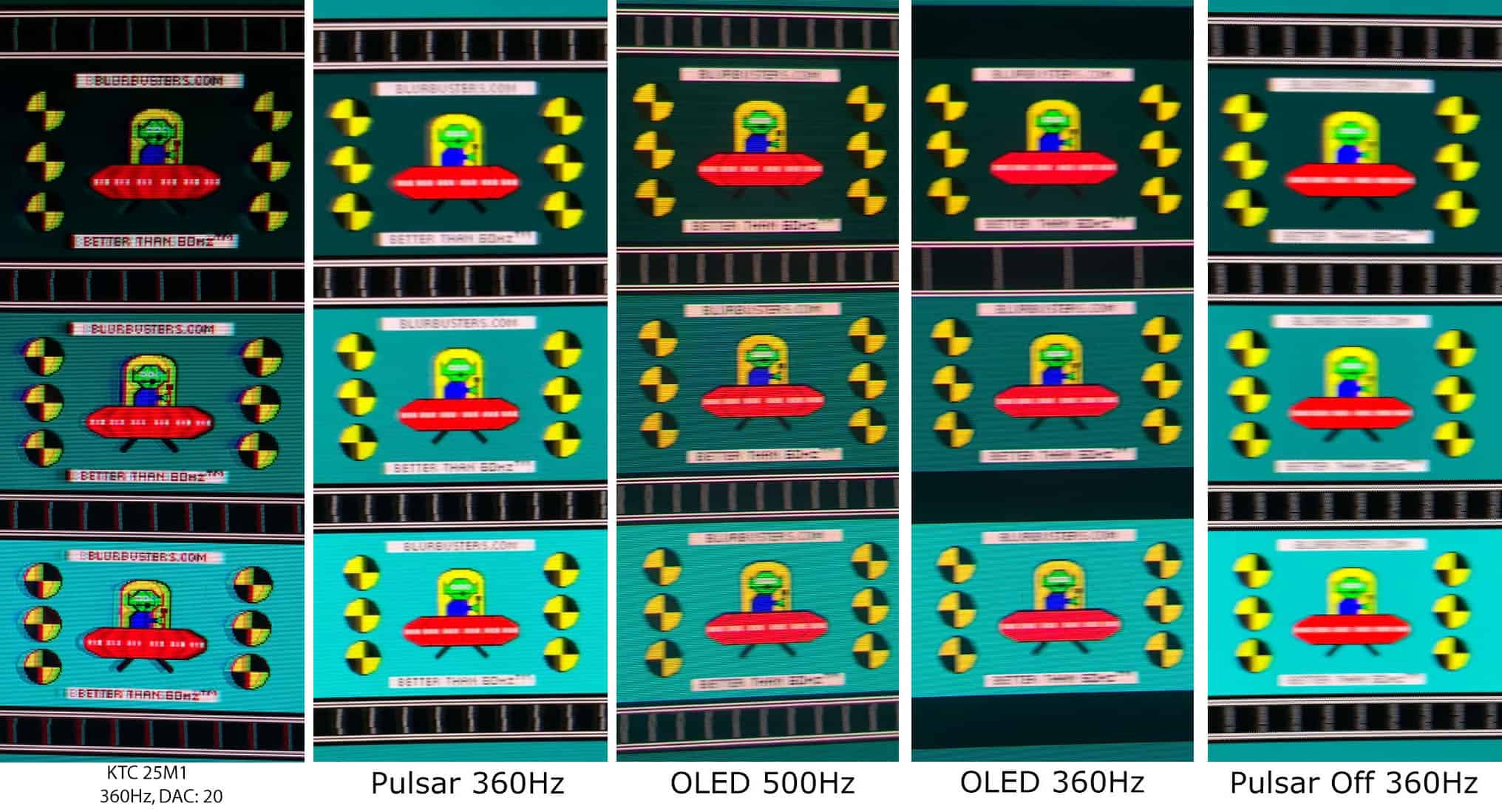
Be sure to check out our full KTC 25M1 review for more information.
Design & Connectivity
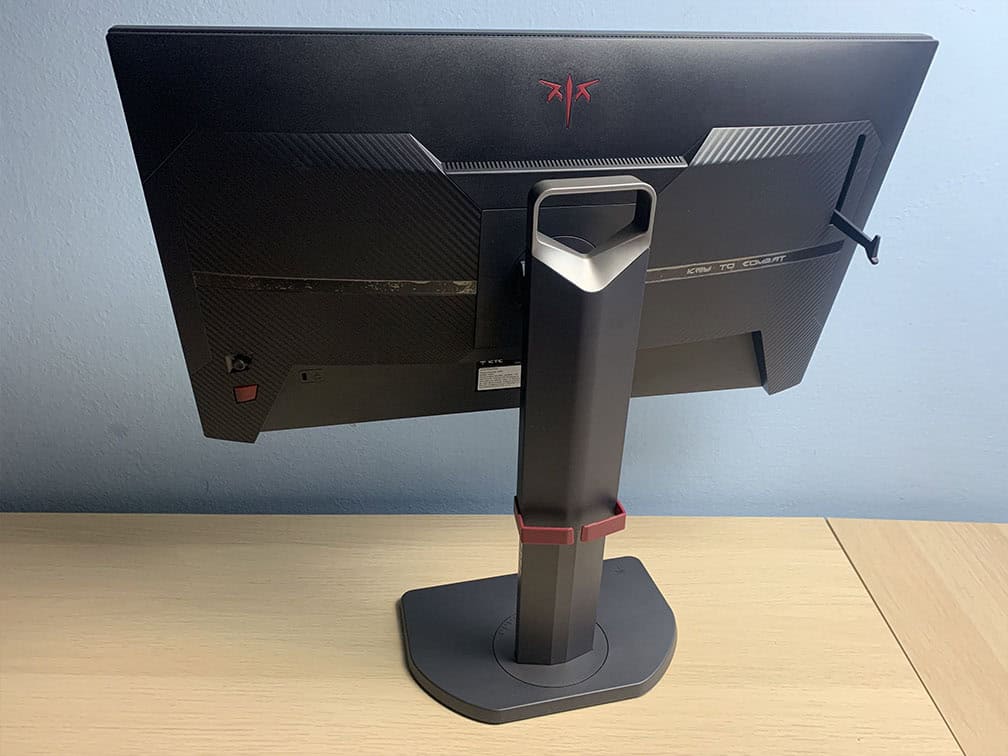
The stand of the monitor offers height adjustment up to 155mm, -5°/35° tilt, +/- 60° swivel, -5°/90° clockwise pivot and 100x100mm VESA mount compatibility.
The screen features a carrying handle, a headset hanger, side shields and a wired controller.
Connectivity options include two DisplayPort 1.4 inputs, two HDMI 2.0 ports (max 240Hz), a headphone jack, an audio line-out port, a USB port for firmware updates, and a mini USB port for the wired controller.

BenQ XL2586X+
Best eSports Gaming Monitor
Size: 24.1”
Resolution: 1920×1080
Panel: TN
Refresh Rate: 600Hz
The Pros:
- Wide color gamut
- Plenty of features, including VRR and MBR up to 600Hz
- Quick response time, low input lag
- Ergonomic stand
The Cons:
- Narrow viewing angles
About The Monitor
The BenQ Zowie XL2586X+ offers an even higher 600Hz refresh rate!
Image Quality
The XL2586X+ offers DyAc 2 (Dynamic Accuracy), which delivers excellent backlight strobing performance!
Zowie also offers additional exclusive features, such as XL Settings To Share (allows you to import picture settings from other players) and highly customizable Black eQualizer and Color Vibrance settings.
Design & Connectivity

The stand offers height adjustment up to 155mm, -5°/35° tilt, +/- 45° swivel and 100x100mm VESA mount compatibility.
It also comes with side shields to minimize distractions.
Connectivity options include DisplayPort 1.4, three HDMI 2.1 ports and a headphone jack.
Alternatives
The older XL2586X model has a maximum refresh rate of 540Hz and goes for up to $100 less.
There’s also the ASUS PG248QP variant with a dedicated G-SYNC module and ULMB2 with similar backlight strobing performance up to 540Hz, though its MBR doesn’t work below 360Hz.
It’s usually a bit cheaper than the XL2586X, but it might be discontinued and replaced with the ASUS XG248QSG with 610Hz and ELMB2 for $800.
Check out the upcoming 610Hz+ models here.
Overall, we recommend waiting for the upcoming 24.5″ 1080p OLED models, which will go up to 720Hz!
LG 25G590B
1100Hz Gaming Monitor
Size: 24.5”
Resolution: 1920×1080
Panel: IPS
Refresh Rate: 1100Hz
The Pros:
- Wide viewing angles
- Plenty of features, including VRR and MBR up to 1000Hz
- Decent response times, low input lag
- Ergonomic stand
The Cons:
- IPS glow and mediocre contrast ratio (as expected from this panel technology)
- Response times not fast enough to keep up with 1000Hz
About The Monitor
The LG 25G590B is the first monitor with a native 1000Hz refresh rate. You can even overclock it to 1100Hz!
Image Quality
Now, for this monitor to completely eliminate ghosting behind fast-moving objects, it would need a pixel response time of 1ms GtG or less. More importantly, all pixel transitions would need to be that fast, rather than just the average.
In reality, the LG 25G950B has an average response time closer to 2.5ms, with some transitions taking over 6ms. As a result, you’ll still see some ghosting in fast-paced scenes.
So, if you’re looking for smoother motion clarity, 1440p 360Hz IPS monitors with G-SYNC Pulsar are better options. They’re also cheaper, and you don’t need to reach 1000FPS to take full advantage of them.
The LG 25G950B also supports backlight strobing, which can further improve motion clarity. However, it isn’t particularly well optimized, as there’s noticeable strobe crosstalk that causes visible image duplications.
The main advantage of the LG 25G950B, assuming you can actually reach 1000FPS (which isn’t possible in most games) is its extremely low input lag of just 1ms.
Other specs include a 400-nit peak brightness, 1000:1 contrast ratio, wide viewing angles, full sRGB color gamut, and typical gaming features such as, Black Stabilizer, crosshair overlays and a refresh rate tracker.
Design & Connectivity
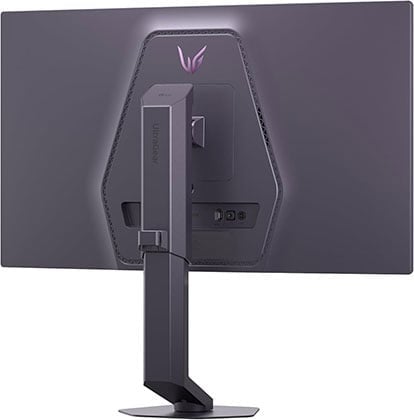
The stand offers height, swivel and tilt adjustments, as well as 100x100mm VESA mount compatibility.
Connectivity options include DisplayPort 2.1 with UHBR20, two HDMI 2.1 ports, an USB-C upstream port and a headphone jack.
Alternatives
Again, we recommend waiting for the upcoming 24.5″ 1080p OLED models, which will go up to 720Hz!
Best 1440p VA Gaming Monitors
For most people, 1440p resolution and at least a 144Hz refresh rate is the perfect combination. You get a crisp and sharp image quality as well as a responsive gaming experience since 1440p is not nearly as taxing on your GPU as 4K UHD.

Koorui 27E6QCA
Affordable 1440p 144Hz Curved Gaming Monitor
Size: 27”
Resolution: 2560×1440
Panel: VA
Refresh Rate: 180Hz
The Pros:
- High contrast ratio
- High pixel density
- Wide color gamut
- Plenty of features, including VRR up to 144Hz
The Cons:
- Ghosting in fast-paced games, mainly in darker scenes
- VRR brightness flickering in dark scenes of games with fluctuating frame rates (expected drawback of OLED and VA panels)
- Tilt-only stand
About The Monitor
The Koorui 27E6QCA is one of the most affordable 1440p 180Hz gaming monitors. It uses a curved VA panel for a more immersive gaming experience, but a weaker performance when it comes to fast-paced gaming.
Image Quality
The Koorui 27E6QCA provides you with a high contrast ratio (3,000:1) and a wide ~85% DCI-P3 color gamut, which along with the curved screen, greatly improves the visual aspect of the gaming experience.
However, the monitors have a slower response time speed, resulting in more noticeable ghosting and trailing in fast-paced games, mainly in darker scenes.
All in all, if you aren’t all that into competitive gaming and would rather get better visuals, the Koorui 27E6QCA is for you.
Don’t worry, you’ll still be able to enjoy single-player and casual multiplayer first-person shooters – unless you’re particularly sensitive to ghosting.
Moving on, AMD FreeSync is supported with a 48-180Hz VRR range and it works with compatible NVIDIA cards. Alas, some units suffer from the FreeSync brightness flickering issue.
Design & Connectivity

The stand of the monitor is tilt-only, but the screen is VESA mount compatible via the 75x75mm pattern. The screen has a moderate 1500R curvature for added immersion.
Connectivity options include two HDMI 2.0 ports, DisplayPort 1.4 and a headphone jack.
Alternatives
- Koorui 27E1QA – flat-screen version of this monitor
- Gigabyte GS27QC – a bit more expensive model without wide color gamut, but with slightly faster response times

KTC H32S25E
Best 1440p 240Hz Curved Gaming Monitor
Sizes: 32″
Resolution: 2560×1440
Panel: VA
Refresh Rate: 240Hz
The Pros:
- High contrast ratio
- Wide color gamut
- Plenty of features, including VRR up to 240Hz
The Cons:
- Ghosting in fast-paced games, mainly in darker scenes
- VRR brightness flickering in dark scenes of games with fluctuating frame rates (expected drawback of OLED and VA panels)
- Tilt-only stand
About The Monitor
If you want a larger 32″ sized 1440p high refresh rate VA screen, we recommend the KTC H32S25E.
Image Quality
The 1440p resolution still looks decent on 32″ sized displays. You get a pixel density of 93 PPI, which is similar to that of 24″ 1080p monitors.
However, since the screen is larger, you’ll be sitting further away from it, so individual pixels won’t be that noticeable at a normal viewing distance.
Next, the KTC H32S25E has a wide 90% DCI-P3 gamut coverage for vibrant colors, a decent 350-nit peak brightness and a high 4,000:1 contrast ratio.
VRR is supported up to 240Hz for tear-free gameplay, but the screen is susceptible to VRR brightness flickering, mainly in in-game menus, loading screens and games with fluctuating frame rates.
You’ll also find plenty of useful features, including Black Equalize, MBR, crosshair overlays, on-screen timers and more!
Check out our in-depth KTC H32S25E review for more information.
Design & Connectivity

The design of the monitor includes a steep 1000R curvature which matches the curvature of the human eye for added immersion, though some people might find that the curvature is too aggressive.
The stand is tilt-only, but the screen is VESA mount compatible via the 100x100mm pattern.
Connectivity options include two DisplayPort 1.4 ports, two HDMI 2.0 ports (max 144Hz at 1440p), a headphone jack and a USB hub for service and firmware updates.
playPort 1.2, two HDMI 2.0 ports and a headphone jack.
Alternatives
These models have a more subtle 1500R screen curvature and lower refresh rates:
The LG 32G600A is another 32″ 1440p 1000R model, but it has a lower 180Hz refresh rate but goes for the same price.
If you want a 32″ 1440p VA monitor with a flat screen, there’s the ASUS VG32AQA1A with 180Hz.

KTC H27E22
Best Value 27″ 1440p 240Hz VA Gaming Monitor
Sizes: 27″
Resolution: 2560×1440
Panel: VA
Refresh Rate: 240Hz
The Pros:
- High contrast ratio and pixel density
- Wide color gamut
- Plenty of features including VRR up to 240Hz
- Fully ergonomic stand, USB hub
The Cons:
- VRR brightness flickering in dark scenes of games with fluctuating frame rates (expected drawback of OLED and VA panels)
About The Monitor
If you’d rather have a fast 1440p 240Hz flat-screen VA gaming monitor, the KTC H27E22 might be for you!
Image Quality
The KTC H27E22 is one of the rare 27″ 1440p 240Hz gaming monitors with a high 3,000:1 contrast ratio and a rapid GtG pixel response time speed, providing you with both deep blacks and smooth motion clarity in a popular 27″ 16:9 flat-screen format.
On top of that, it has a wide 90% DCI-P3 gamut coverage for vibrant colors, a decent 400-nit peak brightness and an affordable price!
The only downside is, as expected for a high refresh rate VA monitor, VRR brightness flickering in in-game menus, loading screens and games with fluctuating frame rates.
However, given that this isn’t noticeable in all games, and that in affected games you can just disable VRR (since tearing isn’t that noticeable at 240Hz), we feel that a lot of gamers won’t mind it.
Design & Connectivity

The stand of the monitor is sturdy and offers full ergonomic support with up to 130mm height adjustment, +/- 90° pivot, +/- 45° swivel, -5°/20° tilt and 100x100mm VESA mount compatibility.
Connectivity options include DisplayPort 1.4, two HDMI 2.0 ports, a USB-C port with DP Alt Mode, three downstream USB-A ports and a headphone jack.
Alternatives
- KTC H27E22S – the same monitor but without an ergonomic stand or as extensive connectivity options for a lower price.
Best 1440p IPS Gaming Monitors
If you don’t want to deal with gamma/saturation shifts, slow repsonse time and VRR brightness flickering of VA panels, check out the best 1440p IPS models – though keep in mind that you’ll have to sacrifice contrast ratio and tolerate IPS glow.
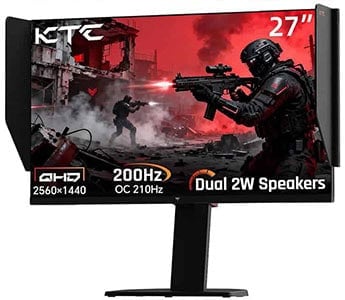
KTC 27M1
Best Budget 1440p IPS Gaming Monitor
Size: 27”
Resolution: 2560×1440
Panel: IPS
Refresh Rate: 210Hz
The Pros:
- Wide color gamut
- High pixel density
- Quick response time
- Plenty of features, including FreeSync and MBR up to 210Hz
- Ergonomic stand
The Cons:
- IPS glow and mediocre contrast ratio (as expected from this panel technology)
About The Monitor
The KTC 27M1 is one of the cheapest 1440p IPS gaming monitors with a 1ms GtG response time and high refresh rate (210Hz), allowing you to enjoy fast-paced games with zero ghosting and no VRR brightness flickering.
Image Quality
Thanks to its IPS panel with a wide 96% DCI-P3 color gamut coverage, the KTC 27M1 delivers consistent and rich colors.
Other panel-related specifications include a high 450-nit peak brightness and a 1,000:1 static contrast ratio.
The monitor supports VRR up to 210FPS for tear-free gameplay, or you can use MBR for clearer motion at the cost of image brightness.
Other features include Black Equalize (improves visibility in dark scenes), crosshair overlays and various picture presets.
Visit our KTC 27M1 review for more information.
Design & Connectivity
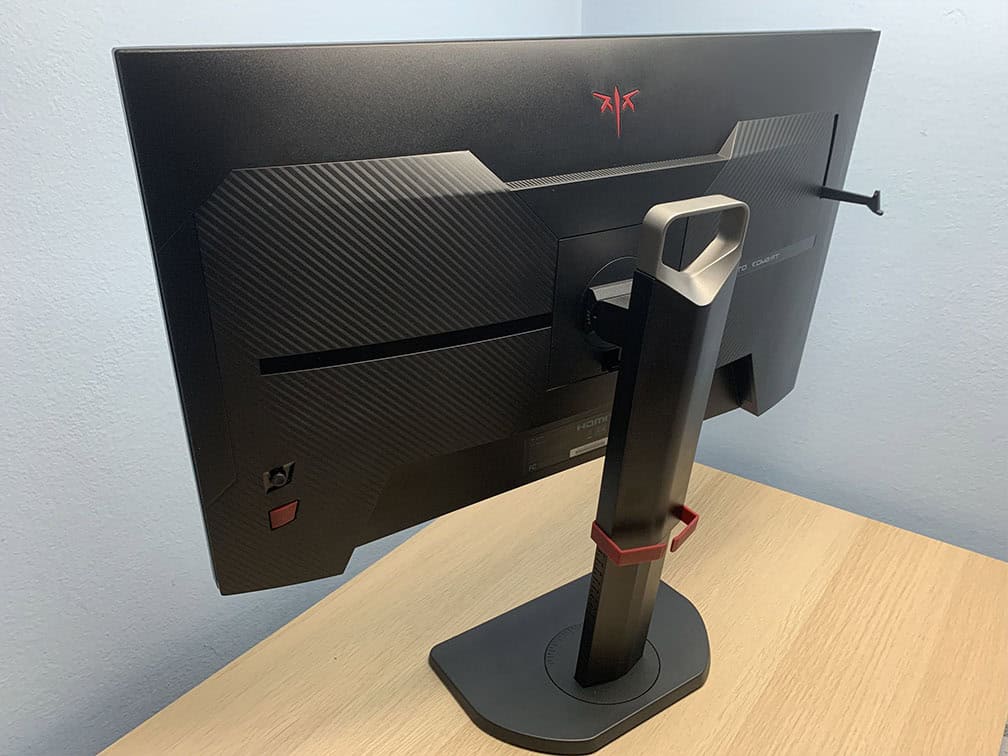
The stand of the monitor is sturdy and offers height adjustment up to 150mm, tilt by -5°/35°, +/- 60° swivel, 90° pivot and 100x100mm VESA mount compatibility.
The stand of the monitor is sturdy and doesn’t take a lot of desk space, allowing you to place your keyboard close to the screen and/or place items on it. The design also involves a cable management bracket, a carrying handle, a headphone hook and a shading hood to minimize distractions.
Connectivity options include two HDMI 2.0 ports (limited to 144Hz), two DisplayPort 1.4 inputs, a headphone jack, dual 2W integrated speakers for basic audio output and a USB port for firmware updates only.

Sansui ES-G25F6Q Pro
Best 24″ 1440p Gaming Monitor
Size: 24.5″
Resolution: 1920×1080
Panel: IPS
Refresh Rate: 300Hz
The Pros:
- Accurate and consistent colors
- Wide color gamut
- High pixel density
- Quick response time
- Ergonomic stand
- Plenty of features, including FreeSync up to 300Hz
The Cons:
- IPS glow and mediocre contrast ratio (as expected from this panel technology)
About The Monitor
Looking for an affordable 1440p 240Hz IPS gaming monitor? The Sansui ES-G25F6Q Pro might be for you!
Image Quality
A lot of FPS players prefer ~24″ sized screens for gaming, which is why the Sansui ES-G25F6Q Pro is perfect for them!
You get a high 1440p resolution for crisp details, a high300Hz refresh rate for smooth motion clarity and a rapid 1ms pixel response time for no ghosting!
Additionally, the monitor boasts a wide 98% DCI-P3 color gamut and offers the usual gaming features, such as VRR, Blacklevel, crosshair overlays, on-screen timers and more!
Design & Connectivity
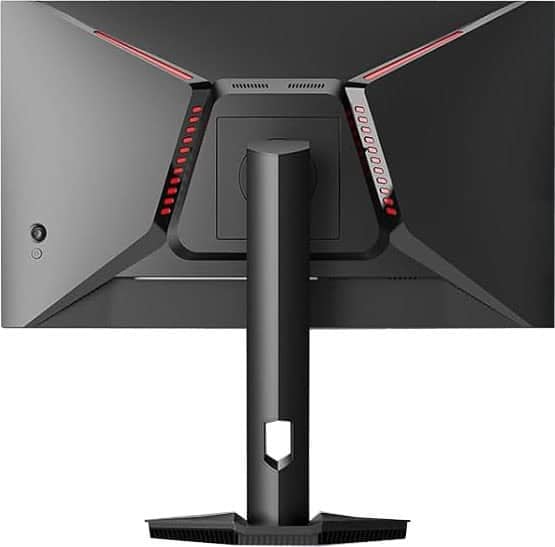
The stand of the monitor offers height adjustment up to 110mm, +/- 20° swivel, -5°/20° tilt, +/- 90° pivot and 100x100mm VESA mount compatibility.
Connectivity options include two HDMI 2.1 ports, two DisplayPort 1.4 inputs and a headphone jack.
Alternatives
- Innocn 25G2S – lower 240Hz refresh rate and tilt-only stand for $155 – $177
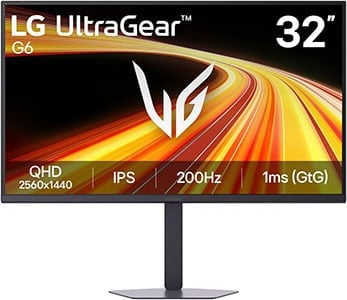
LG 32G620B
Best Value 32″ 1440p Monitor
Size: 32″
Panel: IPS
Resolution: 2560×1440
Refresh Rate: 200Hz
The Pros:
- Accurate colors
- Wide viewing angles
- Fast response times
- Plenty of features, including VRR up to 200FPS
- Fully ergonomic stand
The Cons:
- IPS glow and mediocre contrast ratio (as expected from this panel technology)
About The Monitor
If you want a larger 32″ 1440p high refresh rate IPS gaming monitor, the LG 32G620B offers excellent value for the price!
Image Quality
Thanks to its IPS panel, the monitor offers wide viewing angles, ensuring a consistent image even when viewed from different positions. It also covers 100% of the sRGB color space, providing accurate colors without oversaturation.
It has a fast 1ms GtG response time for minimal ghosting in fast-moving scenes, while VRR support ensures tear-free gameplay up to 200FPS.
Next, it has a 1200:1 contrast ratio, so blacks won’t be as deep as that of VA panels, but you get a decent 300-nit peak brightness.
You also get a range of useful gaming features, including Black Stabilizer, crosshair overlays, on-screen timers and more.
Design & Connectivity
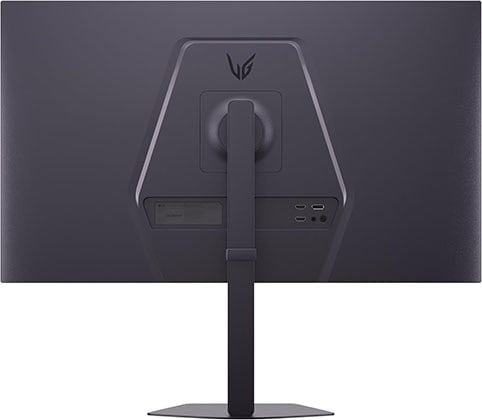
The LG 32G620B has a fully ergonomic stand with height, swivel, tilt and pivot adjustments, as well as 100x100mm VESA mount compatibility support.
Connectivity options include two HDMI 2.0 ports, DisplayPort 1.4 and a headphone jack.

ASUS XG27AQNGV
G-SYNC Pulsar Gaming Monitor
Size: 27″
Panel: IPS
Resolution: 2560×1440
Refresh Rate: 360Hz
The Pros:
- Wide 90% DCI-P3 color gamut
- Quick response time, low input lag
- Plenty of gaming features, including G-SYNC Pulsar up to 360Hz
- Fully ergonomic stand, USB hub
The Cons:
- IPS glow and mediocre contrast ratio (as expected from this panel technology)
About The Monitor
The ASUS XG27AQNGV is a great choice if you want a 27″ monitor that can handle both competitive gaming and other types of use, including graphically demanding games, office work, everyday use and audio/video editing.
Image Quality
The ASUS XG27AQNGV features an IPS panel with wide viewing angles, a wide 90% DCI-P3 color gamut, a 1,000:1 contrast ratio, and a 400-nit peak brightness that reaches 500 nits in HDR mode.
Since it doesn’t use a proper mini LED FALD backlight, there are better HDR monitors available in this price range. Instead, the XG27AQNGV focuses on delivering uncompromising gaming performance.
For starters, it has an excellent pixel response time, resulting in virtually no ghosting behind fast-moving objects. It also supports G-SYNC Pulsar, which combines VRR and MBR for tear-free gameplay with improved motion clarity.
While many competitive gamers prefer smaller ~24″ screens, the larger display of the XG27AQNGV has a few advantages. Its higher resolution produces a sharper image, while the wider color gamut can make enemies easier to spot in certain environments.
It also includes several aspect ratio options for emulation, including 25″ 2368×1332, 25″ 1080p, and 1280×960 modes. Additionally, the Shadow Boost feature can improve visibility in dark scenes.
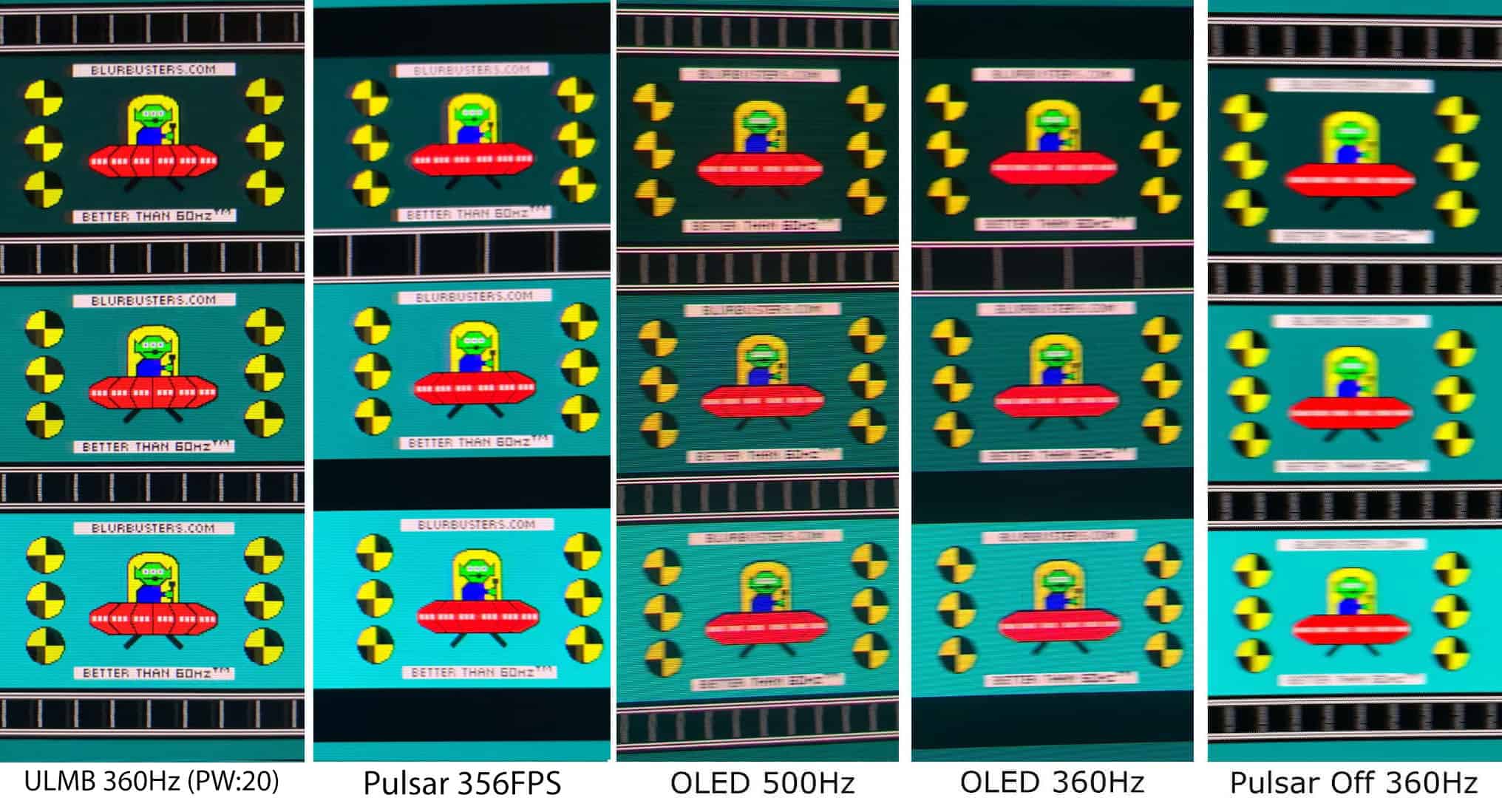
Check out our MSI MPG 272QRF X36 review. It’s another G-SYNC Pulsar monitor based on the same panel.
Design & Connectivity
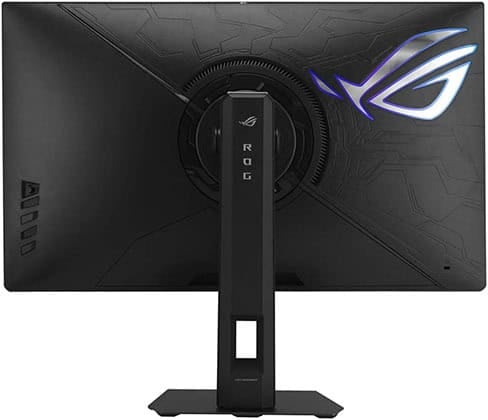
The stand of the monitor is robust and offers height adjustment up to 110mm, +/- 45° swivel, -5°/20° tilt, +/- 90° pivot and 100x100mm VESA mount compatibility.
Connectivity options include DisplayPort 1.4, two HDMI 2.1 ports, a headphone jack and a USB 3.0 hub (three downstream, one Type-B, and one micro-USB for firmware updates)
Alternatives
There are three more monitors based on the same panel and the G-SYNC Pulsar scaler. So, you can choose according to pricing or your preference:
Best 1440p TN Gaming Monitor
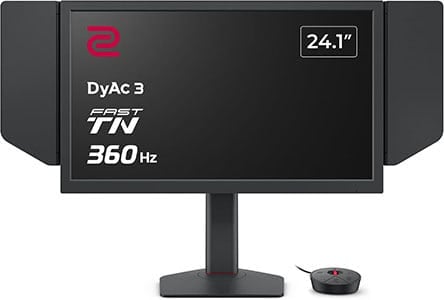
BenQ Zowie XQ2566X
24″ 1440p 360Hz eSports Gaming Monitor
Size: 24.1″
Panel: TN
Resolution: 2560×1440
Refresh Rate: 360Hz
The Pros:
- Rapid response time speed
- VRR up to 360Hz
- Impeccable backlight strobing implementation
- Fully ergonomic stand
The Cons:
- Narrow viewing angles
About The Monitor
If you’re looking for a 24″ 1440p monitor specifically for competitive FPS gaming, the BenQ Zowie XQ2566X is one of the top options available.
Image Quality
With its 2560×1440 resolution on a 24.1″ screen, the XQ2566X delivers a high pixel density of 121.99 PPI. This results in noticeably sharper details than 1080p while maintaining the compact screen size preferred by many competitive FPS players.
The TN panel has narrower viewing angles and generally weaker image quality than IPS displays, but it offers significantly faster pixel response times than the 24″ 1440p IPS alternatives. This results in exceptionally clear motion with virtually no visible ghosting behind fast-moving objects.
The monitor has a peak brightness of 350 nits and a static contrast ratio of 1,000:1.
For competitive gaming, the XQ2566X also features BenQ’s latest DyAc 3 backlight strobing technology, which provides CRT-like motion clarity.
It also introduces BenQ’s Color Filter feature, designed with Battle Royale games in mind. This reduces distracting colors from effects such as gas and poison zones, helping enemies stand out more clearly against the background.
Additional features include VRR support, Color Vibrance, Black eQualizer, a wired OSD controller for quick adjustments, a shielding hood and an eSports-focused design.
Design & Connectivity
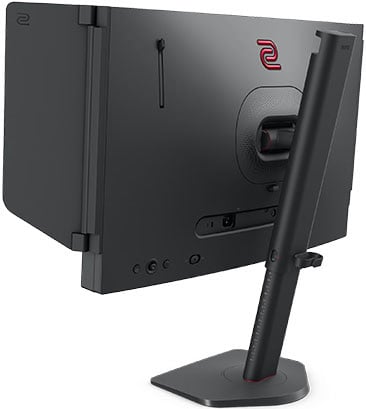
The stand offers height adjustment up to 155mm, +/- 45° swivel, -5°/35° tilt and 100x100mm VESA mount compatibility.
Connectivity options include three HDMI 2.1 ports, DisplayPort 1.4, a headphone jack and micro-USB for the hotkey pick (wired OSD controller) device.
Best UltraWide Gaming Monitors
Ultrawide monitors provide you with a wider field of view which greatly increases both productivity and gaming immersion.
Make sure your favorite games support the 21:9 aspect ratio format though. Otherwise, you’ll have to play with black borders (pillarbox) or with a stretched-out picture.
Note that we have a dedicated buying guide for the best ultrawide monitors.

KTC H34S18S
3440×1440 & 165Hz Under $300!
Size: 34”
Resolution: 3440×1440
Panel: VA
Refresh Rate: 165Hz
The Pros:
- High contrast ratio and pixel density
- Wide color gamut
- UltraWide format for added immersion
- Plenty of features, including FreeSync and MBR up to 165Hz
- Ergonomic stand
The Cons:
- Ghosting in fast-paced games, mainly in darker scenes
- VRR brightness flickering in dark scenes of games with fluctuating frame rates (expected drawback of OLED and VA panels)
About the Monitor
The KTC H34S18S is the best ultrawide gaming monitor under $300.
In fact, the KTC H34S18S is actually cheaper than any 3440×1440 60Hz-75Hz ultrawide IPS model, yet it offers a more immersive picture quality and a more responsive gaming experience, just not as consistent colors or as fast response time.
Image Quality
Based on a VA panel with a 4,000:1 contrast ratio, a 350-nit peak brightness, 10-bit color depth with ~130% sRGB color gamut and 3440×1440 resolution, the monitor delivers a crystal-clear picture quality with deep blacks and vibrant colors.
As if that’s not enough, you hit the pixel density sweet spot of roughly 110 PPI, which results in plenty of screen space available and maximum detail clarity without any scaling necessary.

The main downside of this monitor, as it’s the case with most VA models, is the response time speed. In fast-paced games, there’s noticeable trailing of fast-moving objects, which gets more apparent in darker scenes. To most gamers, it won’t be game-breaking, but if you’re sensitive to ghosting, you’ll prefer an IPS ultrawide monitor.
Features
The KTC H34S18S supports AMD FreeSync with a 48-165Hz VRR range.
However, many units of the monitor have brightness flickering issues when VRR is enabled. Other units, on the other hand, work without any issues, so your mileage may vary.
If you do get a monitor with flickering issues, there are a few ways to reduce it. For instance, you can decrease the VRR range using CRU.
Even if you get a unit that flickers, it won’t necessarily flicker in all video games. So, you can just disable VRR or use MBR (MPRT) in games where flickering occurs.
Other features of the monitor include the standard game-enhancing tools such as Black Equalize, various picture presets and crosshair overlays.
Check out our detailed KTC H34S18S review for more information.
Design & Connectivity

The stand of the monitor offers a good range of ergonomics, including up to 90mm height adjustment, +/- 20° swivel, +/- 5° pivot, -5°/20° tilt and 100x100mm VESA mount compatibility. The screen has a moderate 1500R curvature for added immersion.
Connectivity options include 2x HDMI 2.0 ports, 2x DisplayPort 1.4 ports, a headphone jack and a USB port for service/firmware updates.
Alternatives
You can also find similar 34″ 3440×1440 high refresh rate curved VA models.
- Sceptre C345B-QUT168 – no wide color gamut
- MSI MAG342CQR
- HP Omen 34c

Sceptre E345B-QUN168W
Affordable 3440×1440 144Hz UltraWide Gaming Monitor
Size: 34”
Resolution: 3440×1440
Panel: IPS
Refresh Rate: 144Hz
The Pros:
- Accurate and consistent colors
- UltraWide format for added immersion, wide color gamut
- Quick response time
- Plenty of features, including VRR up to 144Hz
- Ergonomic stand, USB hub
The Cons:
- IPS glow and mediocre contrast ratio (as expected from this panel technology)
- Screen is flat, not curved
About The Monitor
If you’d like a cheaper 34″ 3440×1440 144Hz IPS ultrawide gaming monitor, we recommend the Sceptre E345B-QUN168W.
Image Quality
The main downside of the Sceptre E345B-QUN168W in comparison to the LG 34GN850 is that it has a flat screen, but it’s also up to ~$200 cheaper.
While most users prefer curved screens at this form factor due to the width of the display, a flat 34″ screen still offers immersive image quality, you’ll just have to sit a fit further from the screen for the optimal viewing experience.
The Sceptre E345B-QUN168W has a wide 95% DCI-P3 color gamut, a strong 400-nit peak brightness, a 1,000:1 contrast ratio and wide 178° viewing angles.
Features
AMD FreeSync is supported with a 48-144Hz range for tear-free gameplay, and it works without issues with compatible NVIDIA graphics cards.
All in all, if you want a 34″ 3440×1440 144Hz ultrawide gaming monitor below $300, but don’t want to deal with dark-level smearing or VRR brightness flickering associated with VA panels, the Sceptre E345B-QUN168W is for you.
Design & Connectivity

The stand of the monitor offers height adjustment up to 100mm, tilt by -5°/15°, +/- 15° swivel and 100x100mm VESA mount compatibility.
Connectivity options include DisplayPort 1.4, three HDMI 2.0 inputs (limited to 100Hz), USB-C (with DP Alt Mode, also limited to 100Hz), a headphone jack, dual 3W integrated speakers and a USB 3.0 hub (3 downstream + 1 upstream).
Alternatives
- Sceptre E345W-QU120D – cheaper model with 115Hz refresh rate and tilt-only stand
- ViewSonic VG3420C – model with an IPS Black panel with a higher 2000:1 contrast ratio, 1900R screen curvature, 120Hz, USB-C 96W PD and built-in KVM for $360

MSI MAG401QR
40″ 3440×1440 155Hz UltraWide Gaming Monitor
Size: 40”
Resolution: 3440×1440
Panel: IPS
Refresh Rate: 155Hz
The Pros:
- Accurate and consistent colors
- UltraWide format for added immersion, wide color gamut
- Quick response time
- Plenty of features, including VRR up to 155Hz
- Rich connectivity options, including USB-C with 65W PD and KVM
The Cons:
- IPS glow and mediocre contrast ratio (as expected from this panel technology)
- Screen is flat, not curved
- Tilt-only stand
About The Monitor
You can even find larger 40″ sized flat-screen ultrawide displays for around $400, and the MSI MAG401QR is the best yet also the most affordable such model.
Image Quality
The MSI MAG401QR has a screen resolution of 3440×1440, so you get a pixel density of 93 PPI. You can basically think of this monitor as a 32″ 2560×1440 display that’s around 33% wider.
It also has a wide 94% DCI-P3 gamut coverage for vibrant colors, a strong 400-nit peak brightness and a standard 1,000:1 contrast ratio.
Other features include VRR up to 155Hz, crosshair overlays, Night Vision, on-screen timers, PiP/PbP and backlight strobing.
Design & Connectivity

The stand of the monitor is tilt-only, but the screen is VESA mount compatible via the 100x100mm pattern.
Connectivity options include DP 1.4, two HDMI 2.0 ports, USB-C with DP Alt Mode and 65W PD, a dual-USB 3.0 hub, a headphone jack and integrated KVM functionality.
Alternatives
The MSI MAG401QR is the most affordable 40″ 3440×1440 display, but in case it’s not available, consider the Innocn 40C1R and the Aopen 40XV1CUP as alternatives based on the same panel.
If you want an ultrawide monitor that’s bigger than 34″ with a higher resolution than 3440×1440, but the 40″ flat-screen models don’t suit you, there’s the Dell UltraSharp U3824DW with a 38″ 3840×1600 IPS Black panel, but it’s limited to 60Hz.

Samsung Odyssey G9
Best Super-UltraWide Gaming Monitor
Size: 49”
Resolution: 5120×1440
Panel: VA
Refresh Rate: 240Hz
The Pros:
- High contrast ratio, wide color gamut
- High pixel density
- DisplayHDR 1000
- Quick response time
- Plenty of features, including FreeSync up to 240Hz
- Ergonomic stand, USB hub
The Cons:
- Only 10 dimming zones
- VRR brightness flickering in dark scenes of games with fluctuating frame rates (expected drawback of OLED and VA panels)
About The Monitor
Interested in something a bit different? The Samsung G9 is a 49″ 32:9 5120×1440 ‘super’ ultrawide gaming monitor!
Essentially, it’s equivalent to two 27″ 1440p monitors put side by side, just without the gap in between — but the Samsung S49CG95 (G95C) has more tricks up its sleeve!
Image Quality
The Samsung Odyssey G9 has a VA panel that boasts a superior contrast ratio of 2,500:1. It also uses quantum dot technology (QLED) to further increase its color gamut to 125% sRGB (95% DCI-P3).
It also has a high 1,000-nit peak brightness with VESA’s DisplayHDR 1000 certification, however, since it only has 10 dimming zones, you won’t be getting a true HDR viewing experience.
Regardless, the Samsung S49CG95 offers an incredibly immersive picture quality thanks to its excellent contrast, brightness and color gamut performance, while 1ms GtG response time and the 240Hz refresh rate ensure a smooth and fluid performance.
Features
VRR is supported up to 240Hz for tear-free gameplay, though there’s the standard VRR brightness flickering issue associated with VA and OLED panels.
Other gaming features include Virtual Aim Point, pre-calibrated picture modes (FPS, RTS, RPG, and AOS) and Black Equalizer (improves visibility in darker games).
For more information, visit our Samsung Odyssey G9 review.
Design & Connectivity

The design of the monitor includes a steep 1000R curvature for added immersion and RGB lighting at the back of the monitor.
You can elevate the screen up to 120mm, tilt it by -5°/15°, swivel by +/- 15°, or VESA mount it (100x100mm).
Connectivity options include DisplayPort 1.4, two HDMI 2.1 ports, a headphone jack and a dual-USB 3.0 hub.
Alternatives
LG also offers a model based on the same panel, the LG 49GR85DC, but it doesn’t have as good overdrive implementation due to minor black smearing.
Alternatives to the G9 include:
- ASUS XG49WCR – a lower 165Hz refresh rate and slower response time. It has a USB-C port with 90W PD, KVM and an $800 price.
- LG 45GR65DC / LG 45GR75DC – a smaller 45″ 5120×1440 200Hz super-ultrawide monitor. It doesn’t have as fast response time, though. The 45GR65DC variant is worth considering on sale for $550. The 45GR75DC model features a USB-C port with 90W PD and built-in KVM.
- LG 49WQ95C – a 49″ 5120×1440 144Hz model with an IPS panel, providing you with more vibrant and accurate colors, wider viewing angles and USB-C 90W PD + KVM, but it has IPS glow and a lower contrast ratio
- KTC H49S66 – 180Hz model with USB-C 90W PD and built-in KVM

Samsung S40FG75 G75F
Big Format UltraWide Gaming Monitor
Size: 40”
Resolution: 5120×2160
Panel: VA
Refresh Rate: 180Hz
The Pros:
- High contrast ratio, wide color gamut
- High pixel density
- Plenty of features, including VRR up to 180Hz
- Ergonomic stand
The Cons:
- No proper HDR
- VRR brightness flickering in dark scenes of games with fluctuating frame rates (expected drawback of OLED and VA panels)
About The Monitor
If you want a big 40″ 21:9 ultrawide monitor with a higher resolution than 3440×1440, the Samsung G75F is the best option available.
Image Quality
The 5K2K resolution on a 40″ screen provides you with a high pixel density of roughly 138 PPI. So, you’re basically getting a 32″ 4K monitor with ~33% extra width!
The monitor has a 1000R curved VA panel for added immersion with a high 3000:1 contrast ratio for deep blacks and a 350-nit peak brightness.
HDR content gets a boost up to 600 nits and there are a few dimming zones, but since there’s no mini LED backlight with thousands of individual dimming zones, you’re not getting a true HDR image. Instead, the G75F focuses on delivering an immersive SDR gaming experience.
Other specs include a 180Hz refresh rate, VRR support, 90% DCI-P3 color gamut, PiP/PbP support, Black Equalizer, crosshair overlays and RGB lighting.
Design & Connectivity
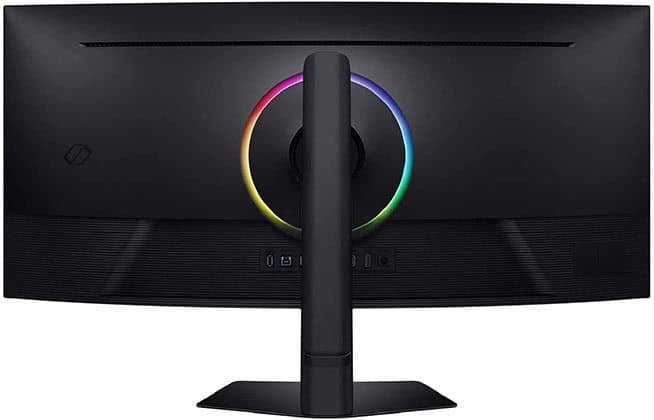
The stand offers height adjustment up to 125mm, -5°/20° tilt, +/- 20° swivel and 100x100mm VESA mount compatibility.
Connectivity options include two HDMI 2.1 ports, DisplayPort 1.4, a headphone jack and a dual-USB hub (two downstream Type-A, one upstream Type-B). Sadly, there’s no USB-C or KVM functionality.
Alternatives
- Sceptre C415B-UUS360 – slightly cheaper model based on the same panel with 2560×1080 360Hz Dual Mode
- Dell U4025QW – professional 40″ 5K2K monitor with an IPS Black panel and 120Hz refresh rate
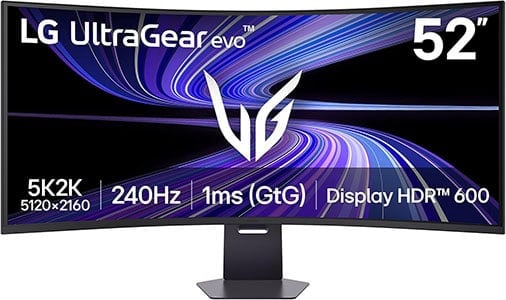
LG 52G930B
Best Big Format UltraWide Gaming Monitor
Size: 52”
Resolution: 5120×2160
Panel: VA
Refresh Rate: 240Hz
The Pros:
- High contrast ratio, wide color gamut
- Decent pixel density
- Plenty of features, including VRR up to 240Hz
- Ergonomic stand, USB-C 90W PD
The Cons:
- No proper HDR
- VRR brightness flickering in dark scenes of games with fluctuating frame rates (expected drawback of OLED and VA panels)
About The Monitor
Looking for something a bit different? The LG 52G930B is a massive 52″ 5K2K curved ultrawide gaming monitor!
Image Quality
Even on a 52″ sized screen, the 5120×2160 screen resolution offers a decent pixel density of roughly 107 PPI (pixels per inch).
So, you get similar detail clarity to that of a typical 27″ 2560×1440 monitor, but with a lot more screen space and no necessary scaling!
This is basically a 42″ 4K display with around 30% extra width!
The LG 52G930B has a high 240Hz refresh rate and fast 1ms GtG pixel response time for smooth gameplay. Its main downside is that there’s no proper HDR support, with only DisplayHDR 600 certification and 95% DCI-P3 color gamut coverage.
Therefore, it’s only a great SDR display with a high 4000:1 native contrast ratio and a 400-nit peak brightness.
Other supported features include Black Stabilizer, crosshair overlays, a refresh rate tracker, PiP/PbP and hardware calibration support.
Design & Connectivity
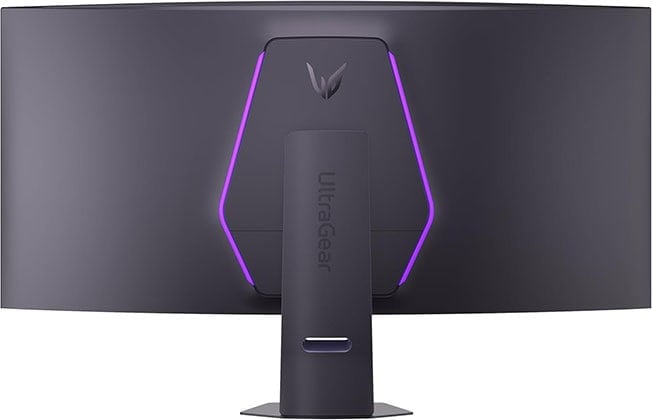
The stand of the monitor is robust and offers height, tilt and swivel adjustments, as well as 100x100mm VESA mount compatibility.
The screen has a steep 1000R curvature for added immersion and matte anti-glare coating to combat reflections.
Connectivity options include DP 2.1 (UHBR not specified), two HDMI 2.1 ports, USB-C with 90W PD, a headphone jack, two USB-A 3.0 ports and dual 10W integrated speakers.
Alternatives
The Dell UltraSharp U5226KW is a 52″ ultrawide monitor with an even higher 6144×2560 resolution, IPS Black panel and 120Hz refresh rate, but it’s a professional display for $3000.
Best 4K Gaming Monitors
In this category, you’ll find the best 4K monitors for both PC and console gaming. Keep in mind that in order to run PC games at 4K UHD with decent frame rates and picture settings, you will need a powerful CPU and GPU.
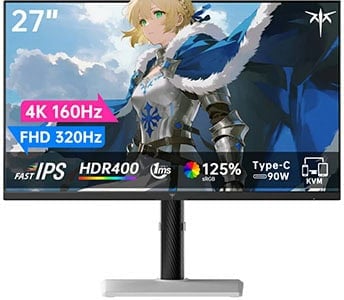
KTC H27P6
Best Value 4K 160Hz Gaming Monitor
Size: 27”
Resolution: 3840×2160
Panel: IPS
Refresh Rate: 160Hz + 1080p 320Hz
The Pros:
- High pixel density, 4K UHD
- Accurate and vibrant colors
- Plenty of features, including VRR and MBR up to 160Hz at 4K, 320Hz at 1080p
- Fully ergonomic stand
The Cons:
- IPS glow and mediocre contrast ratio (as expected from this panel technology)
About The Monitor
The KTC H27P6 is the best value 4K gaming monitor!
Image Quality
To start with, the IPS panel used in the KTC H27P6 offers a wide 95% DCI-P3 color gamut for vibrant and lifelike colors, and there’s a working sRGB mode.
In addition to the wide color gamut, you also get a decent 400-nit peak brightness and a standard 1,000:1 static contrast ratio.
The KTC H27P6 supports a variable refresh rate with a 48-160Hz dynamic range at 4K or up to 320FPS at 1080p.
Further, the monitor has a rapid 1ms GtG pixel response time with excellent overdrive implementation, so there’s no ghosting or overshoot in fast-paced games.
Other features include crosshair overlays, Black Equalizer, backlight strobing, a refresh rate tracker and on-screen timers.
Check out our in-depth KTC H27P6 review for more information.
Design & Connectivity
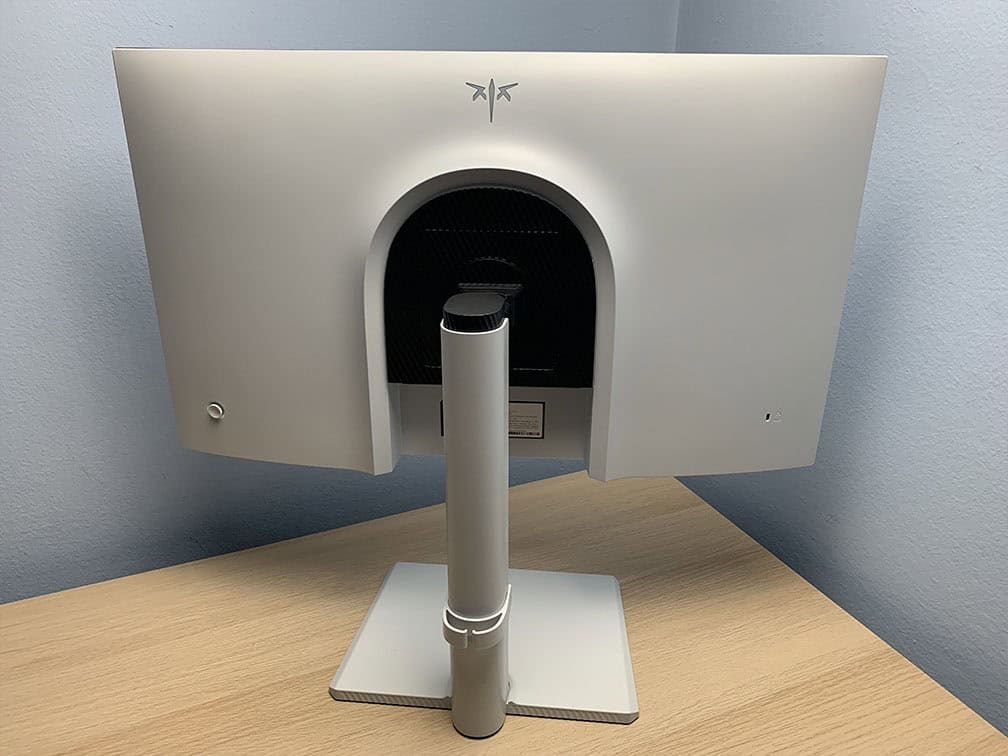
The stand offers full ergonomic support with up to 130mm height adjustment, -5°/20° tilt, +/- 90° pivot, +/- 45° swivel and 100x100mm VESA mount compatibility.
Connectivity options include two HDMI 2.1 ports, DP 1.4, USB-C with DP Alt Mode and 90W PD, a headphone jack, a dual-USB 3.0 hub and built-in KVM.
Alternatives
KTC has two stores on Amazon selling this monitor, so make sure to check out both to ensure you’re getting the more affordable model at the time of buying: Link 1, Link 2. Its price goes down to $270 on sale, which makes for exceptional value.
- Koorui G2741L – 4K 160Hz, 1080p 320Hz, 400 nits for $240 – $350
- Gigabyte M27UP – 4K 160Hz, 1080p 320Hz, 400 nits, KVM, USB-C (DP Alt Mode and 18W PD) for $330 – $380
- MSI MAG 275UPD E14 – 4K 144Hz, 1080p 288Hz Dual Mode, 250 nits
If you just want a 27″ 4K 60Hz IPS display, check out the KTC H27P27 and Acer VG270K L1 (4K 72Hz with 1080p 144Hz Dual Mode).
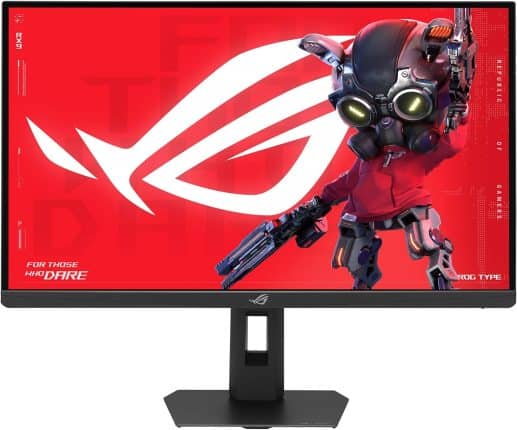
ASUS XG27JCG
5K Gaming Monitor
Size: 27″
Panel: IPS
Resolution: 5120×2880
Refresh Rate: 180Hz + 1440p 330Hz
The Pros:
- High pixel density, 5K
- Accurate and vibrant colors
- Plenty of features including VRR + MBR up to 180Hz at 5K, 330Hz at 1440p
- Fully ergonomic stand, KVM
The Cons:
- IPS glow and not as high contrast as that of VA panels
- No proper HDR support
About The Monitor
The ASUS ROG Strix 5K XG27JCG features a 5120×2880 5K resolution, resulting in an incredibly sharp 218 PPI (pixels per inch)!
Image Quality
It’s a versatile monitor that works well for both gaming and productivity. You can take advantage of the sharp 5K image for office work and graphically demanding games, then switch to the 1440p 330Hz mode when playing competitive titles.
It also offers a wide 97% DCI-P3 color gamut, an sRGB emulation mode, a 1000:1 contrast ratio and a 350-nit peak brightness.
The DisplayHDR 600 certification allows HDR content to reach up to 600 nits, but since the monitor doesn’t have a FALD backlight, HDR performance is limited and won’t provide the same experience as a proper HDR display.
Other useful features include ELMB 2, ELMB-Sync, Shadow Boost, crosshair overlays, a refresh rate tracker, Sniper mode, Aspect Control with a 24.5″ emulation mode and VRR support.
Design & Connectivity
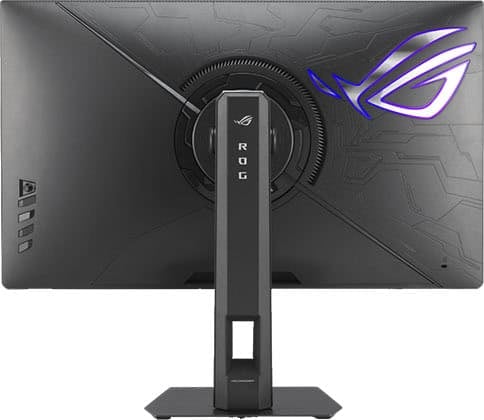
The stand of the monitor offers height adjustment up to 110mm, -5°/20° tilt, +/- 40° swivel, +/- 90° pivot and 100x100mm VESA mount compatibility.
Connectivity options include DP 1.4, two HDMI 2.1 ports, USB-C with DP Alt Mode and 15W PD, USB-B, three USB-A 3.0 ports, built-in KVM and a headphone jack.
Alternatives
Samsung also offers a monitor based on the same panel, but it’s $150 more expensive, the Samsung G80HF.
If you’re looking for a more affordable 5K monitor, the KTC H27P3 with a 5K 60Hz and 1440p 120Hz Dual Mode IPS Black panel can be found for $570.

Samsung S37FG75 G75F
37″ Gaming Monitor
Size: 37″
Panel: VA
Resolution: 3840×2160
Refresh Rate: 165Hz
The Pros:
- Vibrant colors, high contrast ratio
- Plenty of features, including VRR up to 165FPS
- Ergonomic stand
The Cons:
- Minor ghosting in dark scenes
- VRR brightness flickering
About The Monitor
The Samsung S37FG75 is a unique 37″ gaming monitor, offering a great middle ground for those who want something larger than 32″ but smaller than 42″.
Image Quality
The 4K UHD resolution on a 37″ monitor has a pixel density of roughly 120 PPI, so you get sharp text and details with plenty of screen space and no scaling necesary.
The monitor uses a 1000R curved VA panel for added immersion with a high 3000:1 contrast ratio and a 350-nit peak brightness.
It can reach up to 600-nits for HDR content but since it has only a few dimming zones instead of a full-array mini LED backlight, there’s no proper HDR support.
Other specs include a 90% DCI-P3 color gamut, 165Hz refresh rate, and typical gaming features, such as Black Equalizer, crosshair overlays and VRR support.
Design & Connectivity
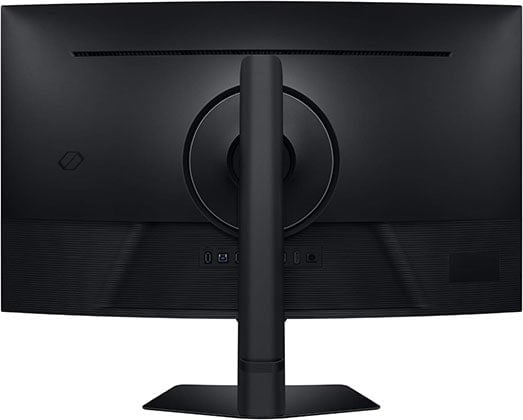
The stand offers height adjustment up to 125mm, -5°/20° tilt, +/- 20° swivel and 100x100mm VESA mount compatibility.
Connectivity options include DisplayPort 1.4, two HDMI 2.1 ports, two USB-A ports, USB-B and a headphone jack.
Alternatives
- LG 37U730SA – 37″ 4K IPS monitor but with a lower 60Hz refresh rate
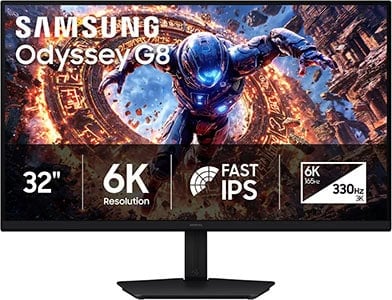
Samsung G80HS
32″ 6K 165Hz Gaming Monitor
Size: 32″
Panel: IPS
Resolution: 6K
Refresh Rate: 165Hz, 3K 330Hz
The Pros:
- Wide color gamut
- Very high pixel density
- Plenty of features, including VRR up to 330Hz
- Ergonomic design
The Cons:
- No USB-C / KVM
- No proper HDR support
- IPS glow and mediocre contrast ratio (as expected from this panel technology)
About The Monitor
The Samsung G80SH is currently the only 6K gaming monitor available, making it an interesting option if you want a display that can handle both gaming and productivity.
Image Quality
Its 6144×3456 resolution on a 32″ screen results in an incredibly sharp ~220 PPI (pixels per inch), providing excellent clarity for text and fine details. The high pixel density also works particularly well with macOS and its Retina scaling.
Of course, 6K is very demanding to run, so you’ll need a powerful graphics card to take full advantage of the display.
The monitor also supports a lower 3072×1728 “3K” resolution with a much higher 330Hz refresh rate thanks to its Dual Mode functionality. While the image isn’t quite as sharp due to the lack of integer scaling, the resulting ~110 PPI is still well-suited for gaming.
This makes it possible to use the monitor at 6K for photo and video editing, productivity, and other detail-oriented tasks, then switch to 3K 330Hz for gaming.
Unfortunately, the monitor doesn’t have a mini LED backlight, so its HDR performance is limited by the 400-nit peak brightness and 1000:1 contrast ratio. On the upside, its IPS panel provides wide viewing angles, a fast 1ms GtG response time, and a wide 94% DCI-P3 color gamut.
Design & Connectivity
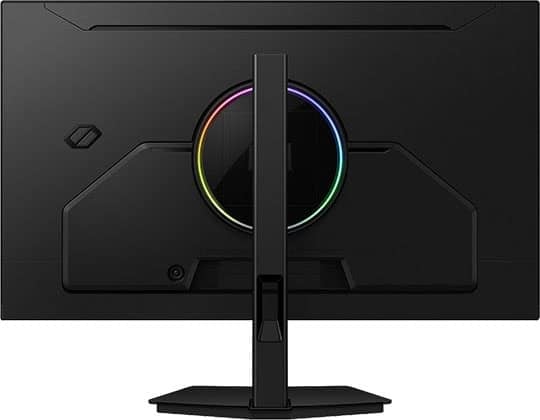
The stand offers height adjustment up to 120mm, -5°/25° tilt, +/- 90° pivot, +/- 30° swivel and 100x100mm VESA mount compatibility.
Connectivity options include DisplayPort 2.1 (UHBR20), two HDMI 2.1 ports, a headphone jack, two USB-A ports and USB-B.

KTC M27T6
Best Budget HDR Monitor
Size: 27”
Resolution: 2560×1440
Panel: VA
Refresh Rate: 180Hz
The Pros:
- High peak brightness, decent pixel density, wide color gamut
- 1152-zone mini LED FALD
- Decent response time, low input lag
- Plenty of features, including VRR up to 180FPS
- Fully ergonomic stand
The Cons:
- Minor blooming/haloing noticeable in certain scenes
- Minor ghosting
- VRR brightness flickering in dark scenes of games with fluctuating frame rates (expected drawback of VA panels)
About The Monitor
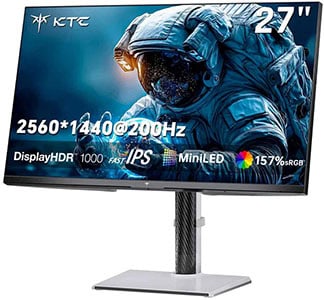
The KTC M27T6 brings true HDR gaming to the budget monitor segment.
At around $300, it may still be more expensive than some entry-level gaming monitors, but it offers exceptional value for its price. Unlike many significantly more expensive displays marketed as HDR monitors, the M27T6 delivers a genuinely impressive HDR experience.
Image Quality
One of its biggest advantages is its full-array local dimming (FALD) backlight, which is essential for achieving good HDR image quality on an LED-backlit display. In fact, the KTC M27T6 is one of the most affordable monitors to feature FALD and is the cheapest display with VESA’s DisplayHDR 1400 certification.
It also doesn’t cut corners when it comes to local dimming. With 1152 mini LED dimming zones, the backlight has excellent control, allowing the monitor to produce bright highlights of up to 1800 nits while maintaining deep blacks. Combined with its wide 96% DCI-P3 color gamut, this results in a vibrant HDR image.
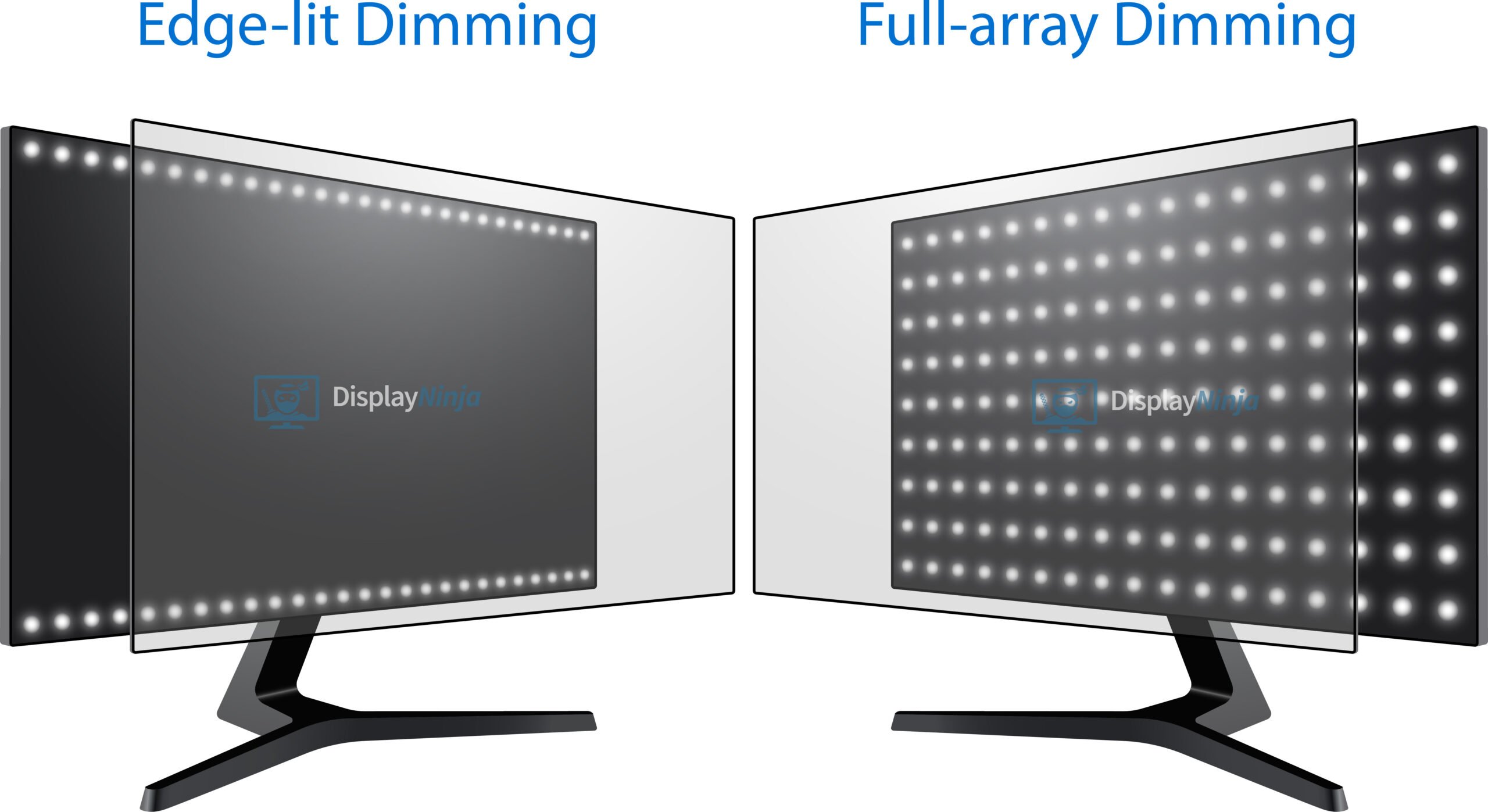
The 27-inch screen uses a 2560×1440 resolution, providing a pixel density of 108 PPI. This offers a good balance between sharpness and performance, giving you plenty of screen space while keeping text and details crisp.
Although it isn’t quite as sharp as a 27-inch 4K monitor, the image still looks clear, while the lower resolution is significantly easier to drive. You can also use the display at its native resolution without requiring any scaling.
The VA panel of the M27T6 provides wide 178° viewing angles, although you’ll still encounter some of the typical VA gamma and saturation shifts. It also offers a fast 1ms GtG response time.
There is still some minor ghosting behind fast-moving objects, but it’s much less noticeable than what you’d typically see on traditional high-refresh-rate VA monitors.
For smooth and tear-free gameplay, the monitor supports variable refresh rate (VRR) up to 180Hz. As with most VA and OLED displays, you may also notice some VRR brightness flickering in certain scenes.
Additional features include Black Equalize for improving visibility in dark scenes by adjusting the gamma curve, crosshair overlays, multiple picture presets, an on-screen timer and a refresh rate counter.
Check out our full KTC M27T6 review for more information.
Design & Connectivity
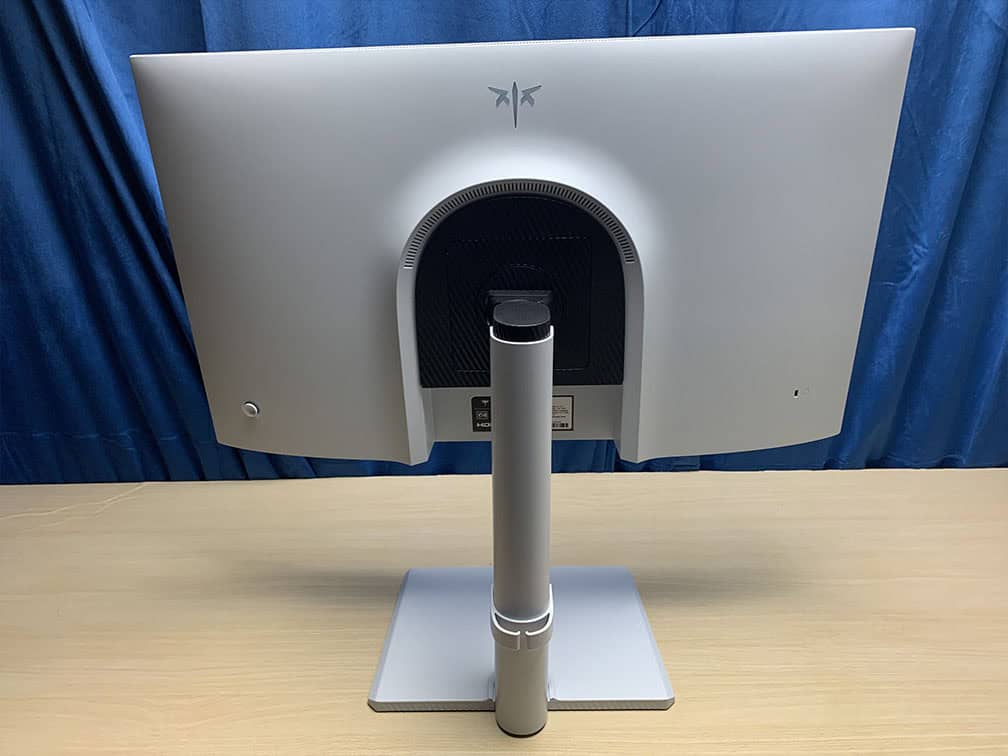
The stand of the monitor offers height adjustment up to 130mm, -5°/20° tilt, +/- 90° pivot, +/- 45° swivel and 100x100mm VESA mount compatibility.
Connectivity options include two HDMI 2.0 ports, DP 1.4, a headphone jack and a USB port for firmware updates.
KTC M27T6S
Best Budget HDR Monitor
Size: 27”
Resolution: 2560×1440
Panel: IPS
Refresh Rate: 210Hz
The Pros:
- High peak brightness, decent pixel density, wide color gamut
- 1152-zone mini LED FALD
- Fast response time, low input lag
- Plenty of features, including VRR up to 210FPS
- Fully ergonomic stand
The Cons:
- Minor blooming/haloing noticeable in certain scenes
About The Monitor
The KTC M27T6S is similar to the M27T6, but it uses an IPS panel and has a lower-tier DisplayHDR 1000 certification.
Image Quality
Thanks to its IPS panel, the M27T6S offers faster pixel response times, resulting in less ghosting behind fast-moving objects, particularly in dark scenes. It also provides smooth VRR performance and wider viewing angles.
The trade-off is its lower native contrast ratio, which can result in more noticeable blooming in demanding scenes and less deep blacks. However, its 1152 local dimming zones and blooming-reduction algorithm still allow the M27T6S to deliver excellent HDR image quality.
Ultimately, choosing between the M27T6 and M27T6S comes down to which panel characteristics and features are more important to you.
Check out our KTC M27T6S in-depth review for more details.
Design & Connectivity
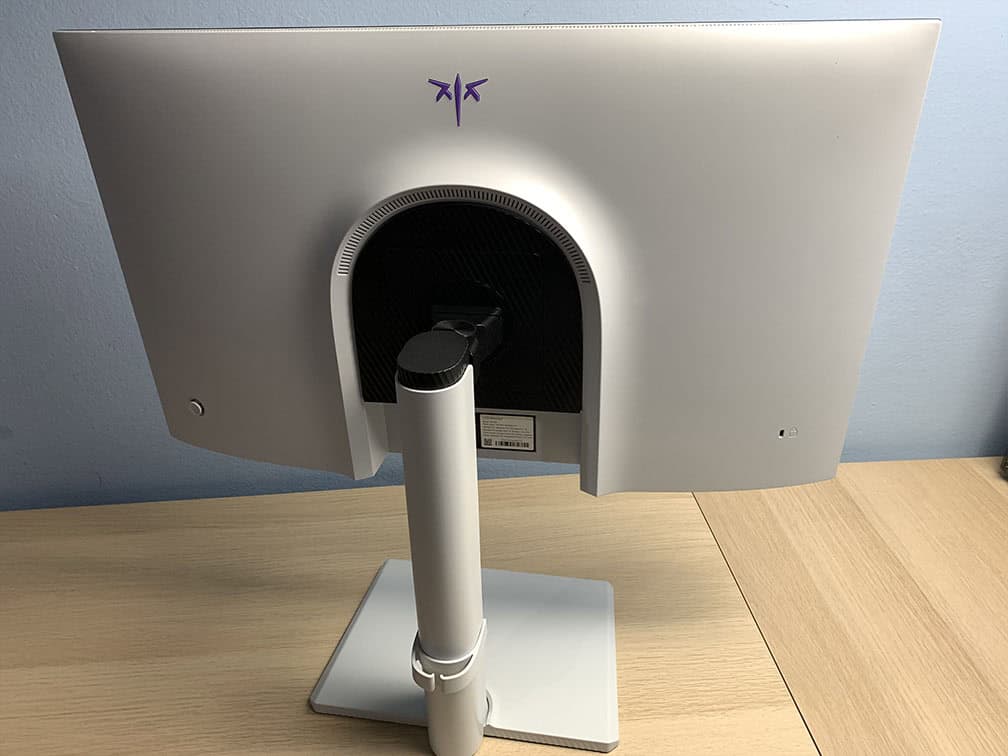
The stand of the monitor offers height adjustment up to 135mm, -5°/20° tilt, +/- 90° pivot, +/- 45° swivel and 100x100mm VESA mount compatibility.
Connectivity options include two HDMI 2.0 ports, DP 1.4, a headphone jack and a USB port for firmware updates.
Alternatives
- Innocn 25M2S – smaller 24.5″ 1440p 240Hz IPS mini LED monitor with 576 dimming zones for $300
KTC M27P6
Best 27″ 4K HDR Monitor
Size: 27”
Resolution: 3840×2160
Panel: IPS
Refresh Rate: 4K 160Hz, 1080p 320Hz
The Pros:
- 1152-zone FALD, DisplayHDR 1400
- High pixel density
- Accurate and vibrant colors
- Plenty of features including VRR and MBR up to 160Hz at 4K and 320Hz at 1080p
- Fully ergonomic stand and rich connectivity options, including KVM and USB-C with 65W PD
The Cons:
- Minor blooming/haloing noticeable in certain scenes
About The Monitor
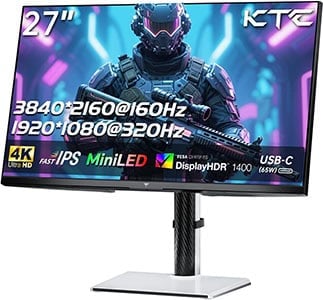
The KTC M27P6 features a Dual Mode function, allowing you to switch between 4K at 160Hz and 1080p at 320Hz.
Image Quality
It also offers a wide 98% DCI-P3 and 97% Adobe RGB color gamut, along with an impressive 1800 nits peak brightness for HDR content.
While the difference between 4K and 1440p isn’t particularly noticeable on a 27-inch monitor when watching videos or playing games, the higher resolution makes a much bigger difference for desktop use.
Text and fine details look noticeably sharper, making 4K particularly useful for office work, photo and video editing, and other productivity tasks.
So, if you have a powerful enough GPU to take advantage of high frame rates at 4K, the KTC M27P6 is well worth considering.
The monitor also features a fast 1ms GtG response time and supports VRR for smooth, tear-free gaming at up to 320Hz.
Additional features include crosshair overlays, a refresh rate counter, and Black Equalize, which improves visibility in dark scenes.
Check out our full KTC M27P6 review for more information.
Design & Connectivity
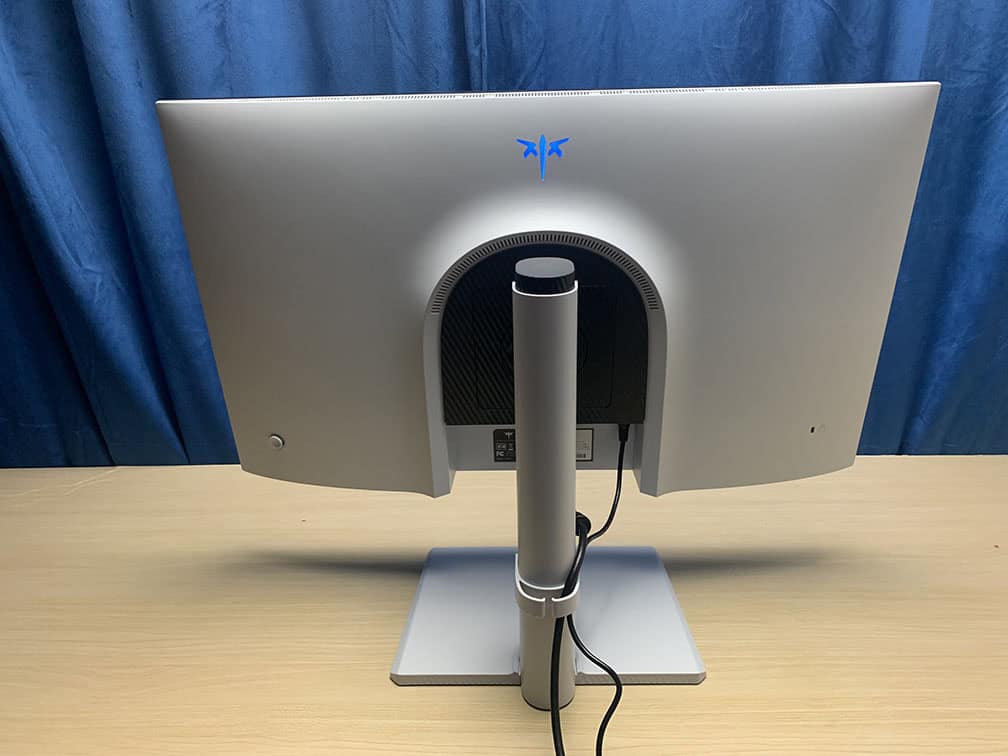
The stand is sturdy and offers height adjustment up to 130mm, +/- 45° swivel, 90° pivot, -5°/20° tilt and 100x100mm VESA mount compatibility.
Connectivity options include two HDMI 2.1 ports with full 48 Gbps bandwidth, DP 1.4 with DSC, USB-C with DP Alt Mode and 65W PD, a headphone jack, built-in KVM and a dual-USB 3.0 hub.
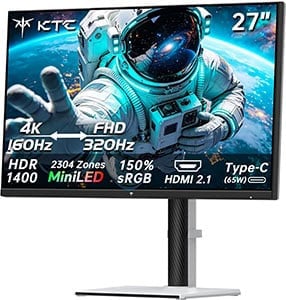
KTC M27P6S
Best 27″ 4K HDR Glossy Monitor
Size: 27”
Resolution: 3840×2160
Panel: IPS
Refresh Rate: 4K 160Hz, 1080p 320Hz
The Pros:
- 2304-zone FALD, DisplayHDR 1400
- High pixel density
- Accurate and vibrant colors
- Plenty of features, including VRR + MBR up to 160Hz at 4K and 320Hz at 1080p
- Fully ergonomic stand and rich connectivity options, including KVM and USB-C with 65W PD
- Glossy screen makes the image more vivid (but it’s also more reflective)
The Cons:
- Very minor blooming noticeable in demanding scenes
- HDR calibration could be better (hopefully addressed in a future firmware update)
About The Monitor
The KTC M27P6S builds on the M27P6 with twice as many local dimming zones, increasing the count from 1152 to 2304 for improved backlight control. It also features a glossy screen surface for a more vivid image.
Image Quality
With 2304 dimming zones, the M27P6S provides finer control over the backlight, with KTC specifically focusing on reducing blooming artifacts in challenging HDR scenes.
Another key difference is the glossy screen coating, which replaces the matte anti-glare surface of the M27P6. This results in a cleaner, more vibrant image without the graininess associated with matte coatings. However, the glossy finish is more reflective, so you’ll need to take your room’s lighting into account.
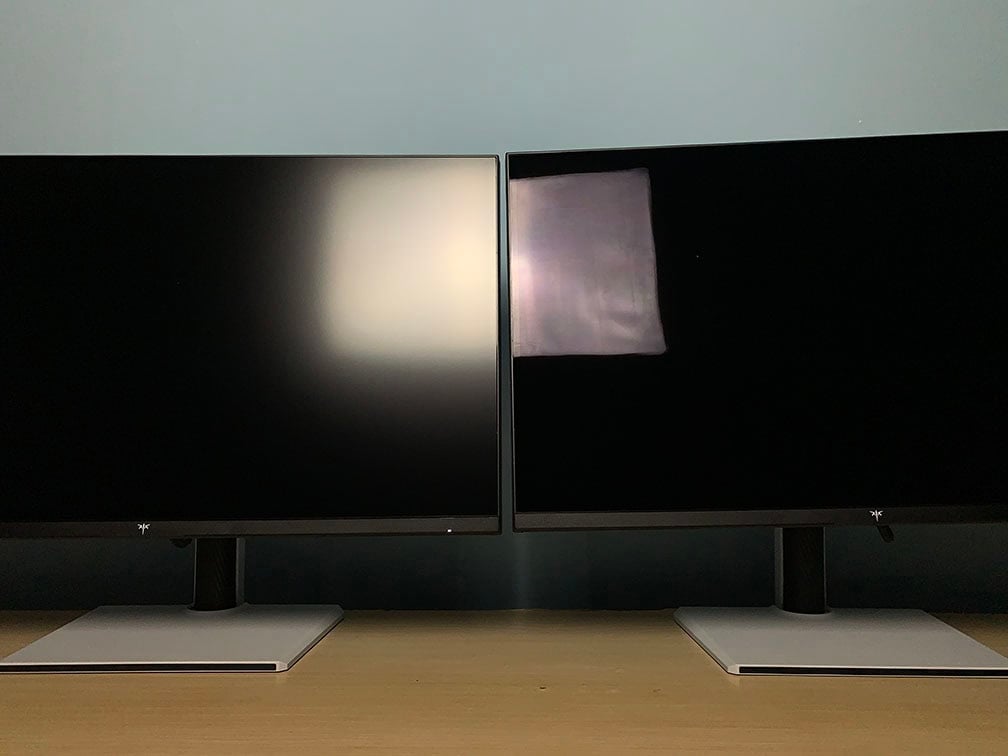
The main drawback compared to the M27P6 is that its HDR calibration isn’t quite as accurate, particularly when it comes to color saturation and color temperature.
Nevertheless, the overall image quality remains impressive and immersive, and a future firmware update could potentially improve the calibration.
Check out our full KTC M27P6S review for more information.
Design & Connectivity
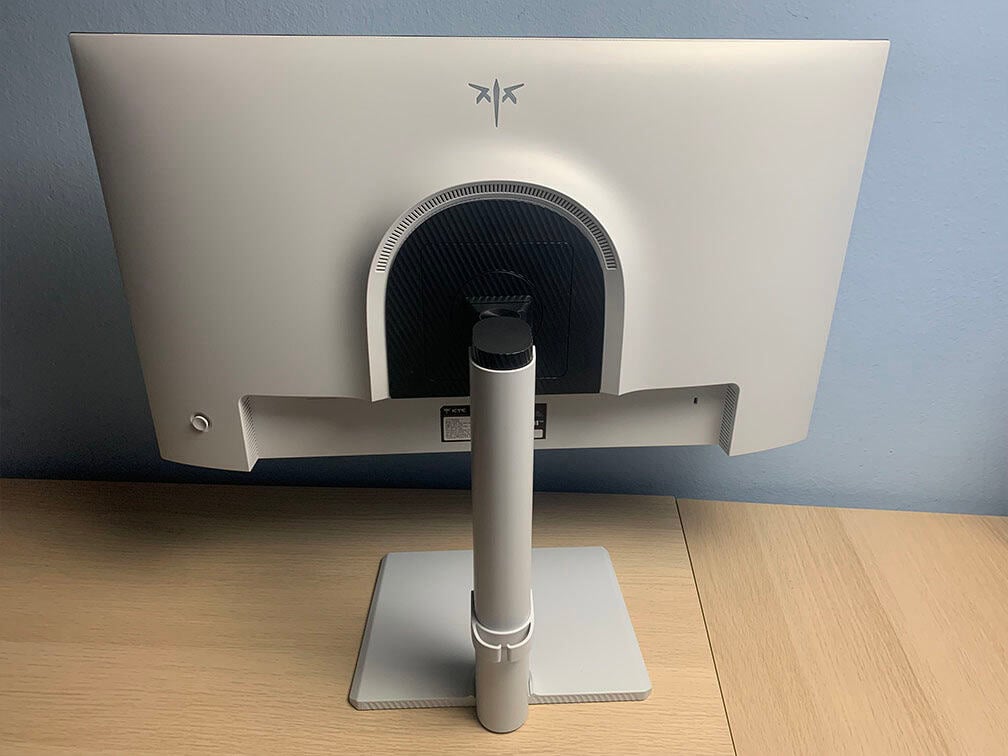
The stand is sturdy and offers height adjustment up to 130mm, +/- 45° swivel, 90° pivot, -5°/20° tilt and 100x100mm VESA mount compatibility.
Connectivity options include two HDMI 2.1 ports with full 48 Gbps bandwidth, DP 1.4 with DSC, USB-C with DP Alt Mode and 65W PD, a headphone jack, built-in KVM and a dual-USB 3.0 hub.
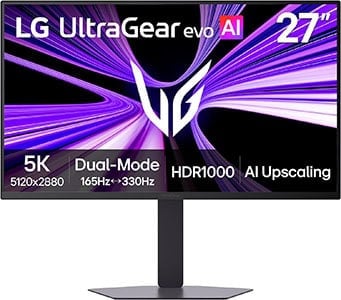
LG 27GM950B
Best 27″ 5K HDR Monitor
Size: 27”
Resolution: 5120×2880
Panel: IPS
Refresh Rate: 5K 165Hz, 1440p 330Hz
The Pros:
- 2304-zone FALD, DisplayHDR 1000
- High pixel density
- Accurate and vibrant colors
- Plenty of features including VRR up to 330FPS at 1440p, 165FPS at 5K
- Fully ergonomic stand and rich connectivity options, including USB-C with 90W PD
The Cons:
- Minor blooming/haloing noticeable in certain scenes
About The Monitor
The LG 27GM950B is a 27″ 5K 165Hz IPS gaming monitor featuring a 2304-zone mini LED FALD backlight.
Image Quality
With twice as many local dimming zones as typical 1152-zone mini LED displays, the 27GM950B offers even finer backlight control while maintaining an impressive 1250 nits peak brightness.
It also delivers a wide 99% DCI-P3 color gamut for vibrant colors, a fast 1ms GtG response time, and a 5K resolution that provides an exceptionally high 218 PPI for incredibly sharp details and text.
For competitive gaming, you can switch to 2560×1440 resolution to increase the refresh rate to 330Hz, providing smoother motion and improved clarity in fast-paced games.
Additional features include AI Upscaling, hardware calibration support, and a range of gaming-focused features such as VRR, MBR, crosshair overlays, a refresh rate counter, and Black Stabilizer.
Design & Connectivity
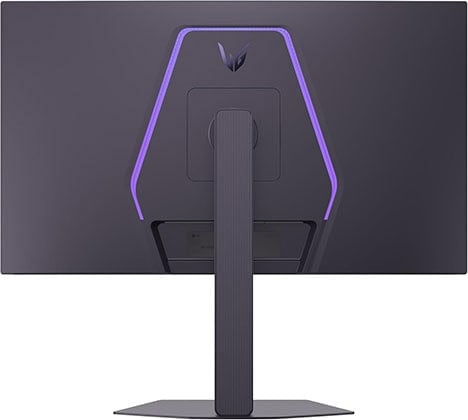
The stand offers tilt, height, swivel and pivot adjustments, and it’s VESA mount compatible via the 100x100mm pattern.
The screen has a matte anti-glare coating that’s efficient at eliminating reflections, but adds a bit of graininess to the image.
Connectivity options include DP 2.1 with UHBR20, two HDMI 2.1 ports, two USB-A 3.0 ports, a headphone jack, dual 7W integrated speakers and USB-C with DP Alt Mode and 90W PD.
Alternatives
More 27″ 5K 165Hz IPS mini LED monitors with 2304-zone FALD are expected in 2026. MSI plans to release a model with a glossy screen surface, the MSI MPG 271KRAW16.

Acer XV325QK V3
Best 32″ Dual Mode Mini LED Monitor
Panel: IPS
Resolution: 3840×2160
Refresh Rate: 160Hz + 1080p 320Hz
The Pros:
- High pixel density
- Stellar peak brightness, high contrast ratio thanks to 1152-zone backlight
- Accurate and vibrant colors
- Plenty of features, including VRR up to 320Hz
- Fully ergonomic stand
The Cons:
- Minor blooming/haloing noticeable in certain scenes
About The Monitor
The Acer XV325QK V3 is one of the most impressive 32-inch mini LED gaming monitors currently available.
Image Quality
It combines an excellent color gamut, with 99% Adobe RGB and DCI-P3 coverage, Delta E < 2 factory calibration, up to 1000 nits of peak brightness and a fast 1ms quoted GtG response time.
It also supports VRR for smooth, tear-free gameplay at up to 160Hz in 4K. Thanks to its Dual Mode feature, you can switch to 1080p and increase the refresh rate to 320Hz for an additional boost in motion clarity in fast-paced games.
Design & Connectivity
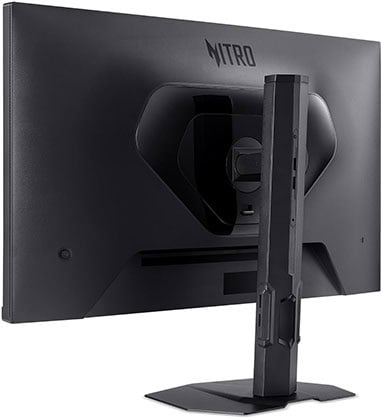
The stand is sturdy and offers height adjustment, swivel, tilt, pivot and 100x100mm VESA mount compatibility.
Connectivity options include two HDMI 2.1 ports with full 48 Gbps bandwidth, two DP 1.4 inputs with DSC and a headphone jack.
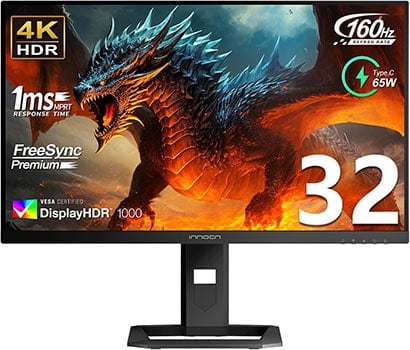
Innocn 32M2V (2026)
Best 32″ Mini LED Monitor
Panel: IPS
Resolution: 3840×2160
Refresh Rate: 160Hz
The Pros:
- High pixel density
- Stellar peak brightness, high contrast ratio thanks to 2304-zone backlight
- Accurate and vibrant colors
- Plenty of features, including VRR up to 160Hz
- Ergonomic stand and rich connectivity options: KVM, USB-C 65W PD
The Cons:
- Minor blooming/haloing noticeable in certain scenes
About The Monitor
The 2026 Innocn 32M2V doubles the local dimming zone count of typical mini LED displays, featuring 2304 zones for even finer backlight control.
Image Quality
Thanks to its high zone count, the 32M2V can significantly reduce blooming in demanding scenes while maintaining an impressive 1000 nits peak brightness.
It also offers a wide 99% DCI-P3 and 100% Adobe RGB color gamut, a fast 1ms GtG response time and Delta E < 2 factory calibration.
The main drawback is the lack of a Dual Mode feature, so you can’t switch to a lower resolution to unlock a higher refresh rate for competitive gaming.
Design & Connectivity
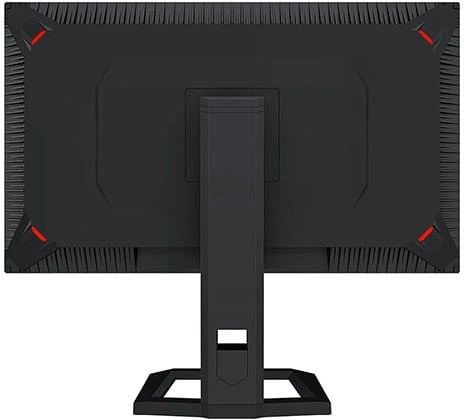
The stand of the monitor offers up to 80mm height adjustment, -5°/20° tilt, +/- 25° swivel and 100x100mm VESA mount compatibility.
Connectivity options include a dual-USB 3.0 hub (two downstream USB-A ports, USB-B), two HDMI 2.1 ports, DP 1.4, USB-C with DP Alt Mode and 65W PD, two 5W integrated speakers, and built-in KVM.
Best OLED HDR Gaming Monitors
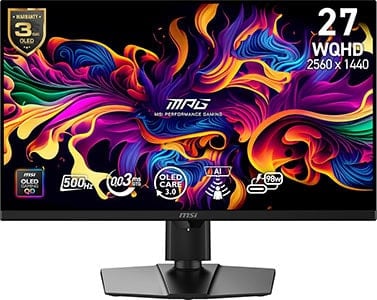
MSI MPG 271QR QD-OLED X50
Best 1440p OLED Gaming Monitor
Panel: QD-OLED
Resolution: 2560×1440
Refresh Rate: 500Hz
HDR: Yes
VRR: FreeSync (G-SYNC Stable)
The Pros:
- Wide 99% DCI-P3 color gamut
- Infinite contrast ratio, high peak brightness
- Quick response time, low input lag
- Plenty of gaming features including VRR up to 500Hz, BFI up to 250FPS
- Fully ergonomic stand, USB-C 98W, KVM
The Cons:
- Risk of permanent image burn-in and temporary image retention
- Not as bright as mini LED displays
About The Monitor
The MSI MPG 271QR QD-OLED X50 is a high-end 27-inch HDR gaming monitor that combines a fourth-generation QD-OLED panel with an ultra-fast 500Hz refresh rate and VESA DisplayHDR True Black 500 certification.
Image Quality
OLED technology provides an effectively infinite contrast ratio and near-instantaneous pixel response times, resulting in true blacks, excellent HDR image quality, and exceptionally responsive motion.
One of the biggest advantages of OLED is its per-pixel lighting, which allows individual pixels to turn completely off to produce true blacks. Since there’s no traditional backlight, OLED displays are also free from backlight bleeding, blooming, IPS glow and other backlight-related artifacts.
The MPG 271QR QD-OLED X50 also produces vibrant colors thanks to its wide 99.3% DCI-P3 coverage, while an sRGB mode is available for more accurate SDR content. It also offers wide viewing angles, true 10-bit color support and True Black 500 certification, ensuring solid HDR performance.
Like most OLED monitors, the 271QR X50 is not as bright as many high-end LED-backlit displays. However, it can maintain around 300 nits across a full-screen white window and reach up to 1000 nits for small HDR highlights. This is more than sufficient for everyday SDR use and allows for a punchy HDR experience.
The main drawback of OLED technology is the possibility of permanent image burn-in when bright static elements are displayed for extended periods. However, with sensible usage and the monitor’s built-in burn-in prevention features, this shouldn’t be a major concern for most users.
The 271QR X50 also features an AI Sensor that can automatically turn off the display when it detects that you’re away and wake it back up when you return.
Other features include VRR support up to 500Hz, BFI support up to 250Hz, Night Vision, customizable crosshair overlays, a refresh rate counter and more.
Check our in-depth review for more information.
Design & Connectivity
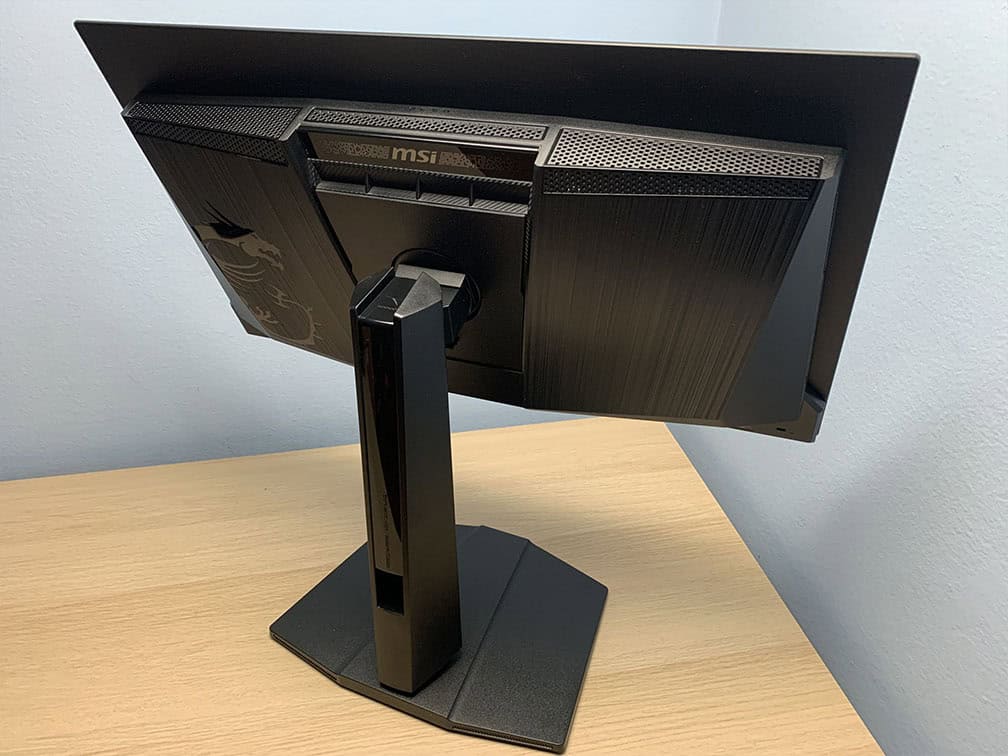
The MSI MPG 271QR QD-OLED X50 monitor has a robust design with a fully ergonomic stand, including -5°/20° tilt, +/- 30° swivel, +/- 90° pivot, up to 110mm height adjustment and 100x100mm VESA mount compatibility.
Connectivity options include two HDMI 2.1 ports with full 48 Gbps bandwidth, DisplayPort 2.1 with the highest UHBR20 transmission mode, a USB-C port with DP Alt Mode and up to 98W Power Delivery, a dual-USB 3.0 hub, KVM and a headphone jack.
The screen has a semi-glossy finish, which makes the image more vivid as there’s no graininess associated with matte anti-glare coatings.

However, the screen is more reflective, and without a polarizer, blacks appear raised under direct lighting. As long as no light is aimed directly at the screen, this isn’t an issue.


Alternatives
High-end models
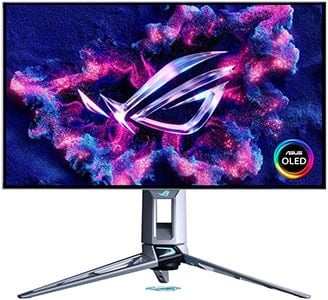
There are high-end 27″ 1440p 540Hz alternatives based on LG’s W-OLED panel with a 1500-nits 1.5% APL peak brightness and 720p 720Hz Dual Mode.
The 1280×720 resolution on a 27″ sized screen has a very low pixel density of 54 PPI, and the image will be additionally blurry since the monitor is displaying a non-native resolution, so the usability of this mode is very limited.
Although these W-OLED panels have a higher specified white luminance, their color luminance is lower than that of QD-OLED panels, resulting in lower overall perceived brightness.


The ASUS PG27AQWP-W and ASUS PG27AQWP-G models have glossy coatings that, unlike the semi-glossy finish of QD-OLED displays, don’t raise black levels under direct lighting. They are still reflective, so you have to mind the lighting in your room. These models are also a bit more expensive ($1,100+).
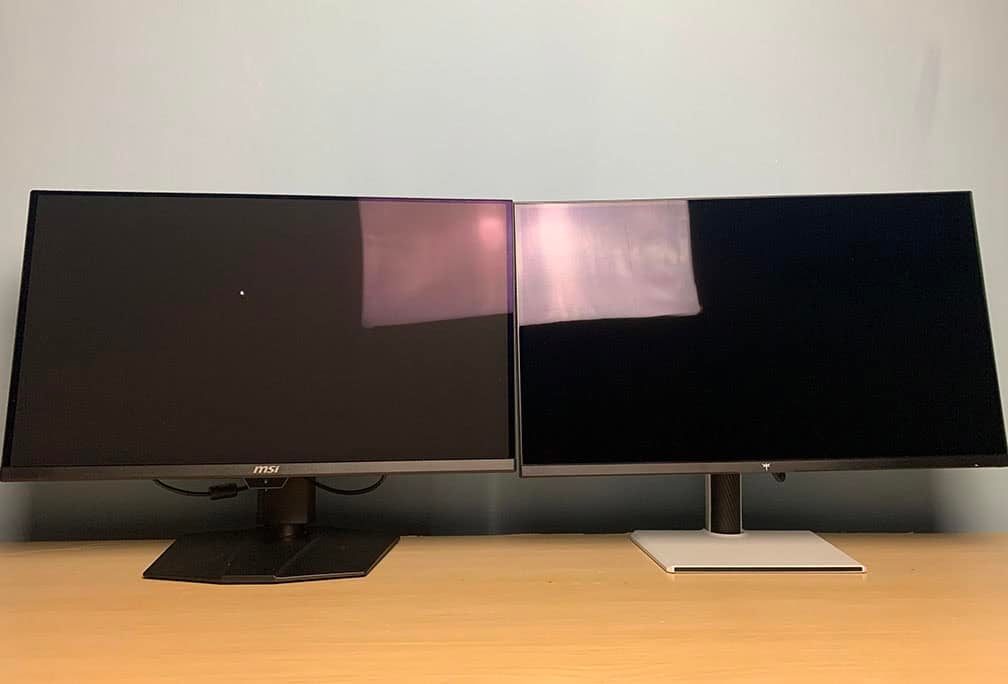
There’s the cheaper LG 27GX790B 1440p 540Hz W-OLED variant with 720p 720Hz Dual Mode, which can be found on sale for $680. It has a matte anti-glare coating that adds some graininess to the image (mostly noticeable on solid colors).
So, unless you really want the 720p 720Hz Dual Mode, we recommend going with the 1440p 500Hz QD-OLED models, such as the MSI MPG 271QR QD-OLED X50 or the cheaper model without USB-C and KVM, the MSI MAG 272QP QD-OLED X50.
Upcoming models
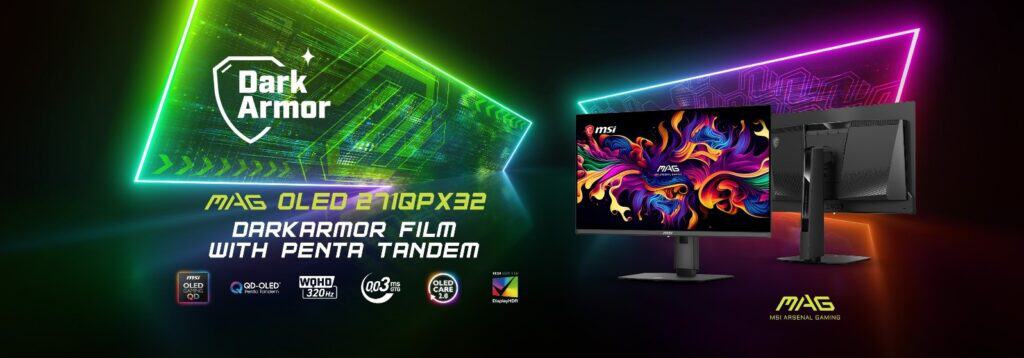
In December 2026, we’re expecting monitors based on a new 27″ 1440p 320Hz QD-OLED panel with a higher 1300-nit 3% APL peak brightness, such as the MSI MAG OLED 271QPX32.
For Q1 2027, there are 27″ 1440p 400Hz QD-OLED models planned with an RGB stripe subpixel layout for sharp text without fringing, such as the Gigabyte MO27Q40. We assume these will also have the improved 1300-nit 3% APL peak brightness.
Budget & mid-range models
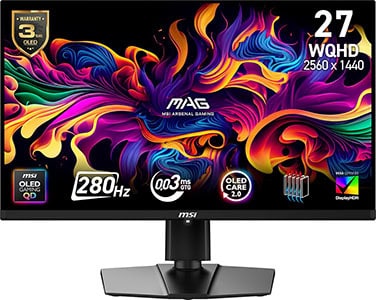
If you don’t need 500Hz, you can also find cheaper 360Hz, 280Hz and 240Hz QD-OLED models, though with a bit lower brightness for 100% and 10% APL with DisplayHDR True Black 400 certification.
We find that the MSI MAG 271QP QD-OLED X28 with 280Hz offers the best value for money if you can find it on sale for $450.
We recommend avoiding models based on the QD-OLED Edge panels, which can be found for around $350 but have a lower peak brightness. They can only reach 200 nits for 100% APL (whereas regular panels reach 250 nits) and only 400 nits for 3% APL in HDR (instead of the full 1000 nits).
If your budget is around $350, we recommend getting a W-OLED model instead, such as the Gigabyte GO27Q24G or the LG 27GX704A with glossy coatings. These can reach up to 1300 nits for 1.5% APL, but have an RWBG subpixel layout with more fringing.
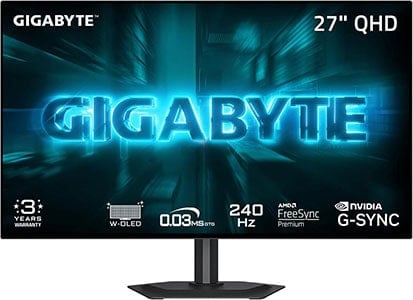
Finally, as an alternative to the MSI MAG 271QP QD-OLED X28, if you want a 1440p 280Hz Tandem W-OLED model with a matte anti-glare coating or a true glossy screen surface, check out the Gigabyte MO27Q28G and the LG 27GX700A (matte anti-glare) and the Gigabyte MO27Q28GR (glossy) for ~$450 on sale.
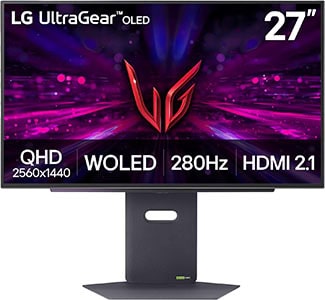
These have an RGWB subpixel layout, which has less fringing than RWBG and it’s more similar to the triangular RGB layout of QD-OLED. They are also a bit brighter, as they reach up to 1500 nits for 1.5% APL, but their color luminance is not as high as that of QD-OLED.
There are over a hundred 27″ 1440p high refresh rate OLED monitors available, so to ensure you’re getting the model that’s most suited for your budget and personal preference, be sure to visit our dedicated OLED Monitors article.

MSI MAG 272UP QD-OLED X24
Best 27″ 4K HDR Gaming Monitor
Panel: QD-OLED
Resolution: 3840×2160
Refresh Rate: 240Hz
VRR: FreeSync (G-SYNC Stable)
The Pros:
- Infinite contrast ratio, decent peak brightness, wide color gamut
- Instant response time
- Plenty of features, including VRR up to 240Hz
- Fully ergonomic design
- 3-year warranty that covers burn-in
The Cons:
- Risk of permanent image burn-in and temporary image retention
- Not as bright as mini LED displays
About The Monitor
If you’re looking for a 27-inch OLED gaming monitor with 4K UHD resolution, the MSI MAG 272UP QD-OLED X24 offers excellent value.
Image Quality
Its QD-OLED panel delivers an effectively infinite contrast ratio, an exceptionally wide 99.3% DCI-P3 color gamut, true 10-bit color support and wide 178° viewing angles. It can also reach up to 1000 nits for small HDR highlights at 3% APL while maintaining a respectable 250 nits at 100% APL.
Beyond its excellent image quality, the high 166 PPI pixel density significantly reduces the text clarity issues typically associated with the panel’s unusual subpixel layout. As a result, color fringing is barely noticeable on small text and fine details.
The MAG 272UP QD-OLED X24 also features a dedicated sRGB mode and a range of gaming-focused features, including crosshair overlays, Night Vision, on-screen timers, VRR support up to 240Hz, Advanced OLED Care and more.
Design & Connectivity
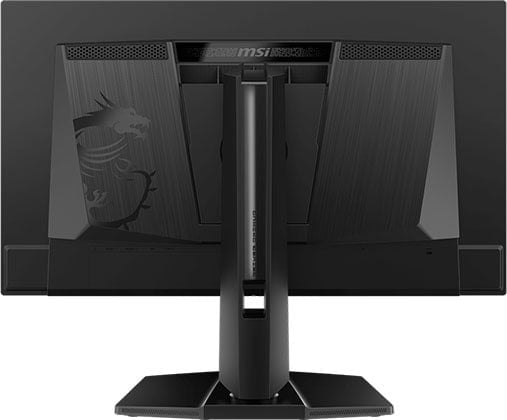
The stand of the monitor offers height adjustment up to 110mm, +/- 90° pivot, +/- 30° swivel, -5°/20° tilt and 100x100mm VESA mount compatibility.
Connectivity options include DP 1.4 with DSC, two HDMI 2.1 ports, a headphone jack and a USB-C port with DP Alt Mode and 15W PD.
The monitor has the same semi-glossy finish as most QD-OLED panels.
Alternatives
- ASUS XG27UCDMG – it has USB-C with 90W PD, KVM, BFI up to 120Hz (making it a great option for console gamers), but it goes for $960 ($860 on sale), whereas the 272UP X24 can be found for $650
- Gigabyte MO27U2 – with USB-C (18W PD) and KVM for $650
- Acer X27 X1 – with USB-C (65W PD) and KVM for $600 – $800
- MSI MAG 272UP QD-OLED E16 – a cheaper version with a 165Hz maximum refresh rate
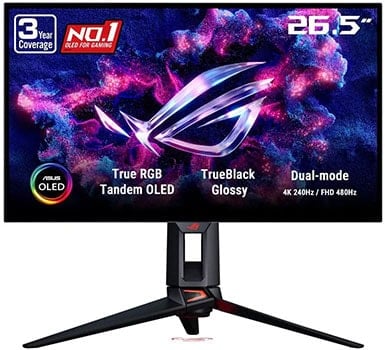
ASUS PG27UCWM
Premium 4K 240Hz OLED Monitor
Panel: OLED
Resolution: 3840×2160
Refresh Rate: 240Hz + 1080p 480Hz
VRR: FreeSync (G-SYNC Stable)
The Pros:
- Infinite contrast ratio, decent peak brightness, wide color gamut
- Instant response time
- Plenty of features, including BFI, VRR up to 240Hz at 4K, 480Hz at 1080p
- Fully ergonomic design
- Rich connectivity options, including DP 2.1, USB-C (90W PD), KVM
- 3-year warranty that covers burn-in
The Cons:
- Risk of permanent image burn-in and temporary image retention
- Not as bright as mini LED displays
- Expensive
About The Monitor
The ASUS ROG Swift OLED PG27UCWM is a 27″ 4K 240Hz gaming monitor featuring a new W-OLED panel with a true RGB-stripe subpixel layout for exceptionally sharp text with virtually no color fringing.
Image Quality
The biggest advantage of this new W-OLED panel is its RGB-stripe subpixel layout, which eliminates the colored fringing that can appear around small text and fine details on OLED displays with other subpixel layouts.
That said, 27″ 4K 240Hz QD-OLED monitors with a triangular RGB subpixel layout already offered excellent text clarity thanks to their high pixel density, so text fringing was relatively minor to begin with.
Because the PG27UCWM doesn’t use a white subpixel, its white luminance is lower than that of the latest RGWB Tandem OLED panels. It reaches up to 250 nits at 100% APL, compared to around 335 nits on RGWB panels, and up to 1000 nits at 1.5% APL, compared to around 1500 nits on those panels.
However, the new RGB W-OLED panels offer significantly higher color luminance than previous-generation W-OLED displays. As a result, the PG27UCWM can appear brighter despite its lower white luminance. Color luminance still doesn’t quite reach the levels of QD-OLED, but the gap is considerably smaller than before.
Another trade-off is that the new RGB W-OLED panels don’t follow the EOTF curve as accurately as previous-generation W-OLED models.
Like QD-OLED monitors, the PG27UCWM features a True Black 400 mode for more accurate HDR reproduction, though it limits peak brightness to around 450 nits.
There’s also a Console HDR mode that unlocks the monitor’s full 1000 nits peak brightness, but with reduced HDR accuracy. In this mode, dark scenes are brighter than intended, resulting in raised shadows and midtones.
The PG27UCWM also features a 1080p 480Hz Dual Mode, making it one of the first 27″ OLED monitors to offer this combination. While 1080p can still look somewhat blurry on a 27″ screen, it’s noticeably sharper than 1080p on 32″ displays.
For improved motion clarity, the monitor supports BFI (Black Frame Insertion) at 120Hz, allowing 120FPS content to match the clarity of 240Hz motion.
However, BFI cuts brightness in half, increases input latency, and cannot be used simultaneously with HDR or VRR. Even so, it can be useful for console gaming and PC games where you’re limited to 120FPS.
Other features include VRR support, 24.5″ screen-size emulation, OLED Anti-Flicker, Shadow Boost, customizable crosshair overlays, Dolby Vision support, and the Neo Proximity Sensor, which can automatically dim or turn off the display when it detects that you’re away.
Design & Connectivity
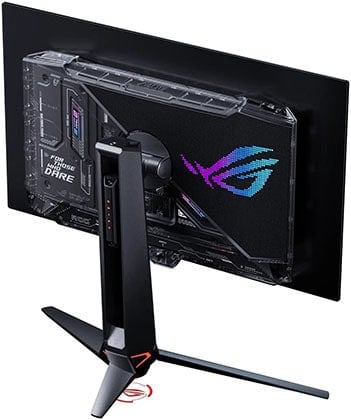
The stand of the monitor offers height adjustment up to 110mm, +/- 30° swivel, +/- 90° pivot, -5°/20° tilt and 100x100mm VESA mount compatibility.
Connectivity options include DP 2.1 with full UHBR20 speed, two HDMI 2.1 ports with 48 Gbps, USB-C with DP Alt Mode and 90W PD, USB-B, three USB-A 3.0 ports and a built-in KVM switch.
Alternatives
At the moment, there are no other models based on this panel available. While the ASUS PG27UCWM offers excellent HDR image quality and performance with plenty of premium features, it’s rather expensive – almost double the price of something like the MSI MAG 272UP QD-OLED X24 with fairly similar image quality.
It’s also almost $350 more expensive than the XG27UCDMG, which has a lot of similar features (minus the DP 2.1 port). So, it’s up to you whether the TrueBlack glossy coating, DP 2.1, 1080p 480Hz Dual Mode and Dolby Vision are worth the extra cost.
We recommend waiting for other manufacturers to release their (likely more affordable) models based on this panel, unless you’re willing to go all-in on the PG27UCWM, that is, if you can put all of its premium features to good use.
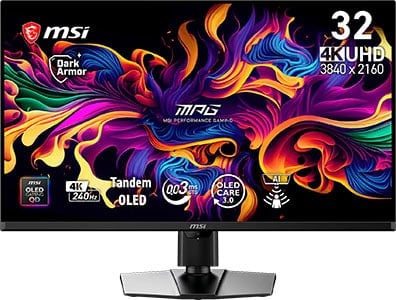
MSI MPG 322UR QD-OLED X24
Best 32″ QD-OLED Gaming Monitor
Panel: OLED
Resolution: 3840×2160
Refresh Rate: 240Hz
The Pros:
- Infinite contrast ratio, decent peak brightness, wide color gamut
- High pixel density
- Instant response time
- Plenty of features, including VRR up to 240Hz
- Ergonomic design and rich connectivity options, including KVM and USB-C with 98W PD
- 3-year warranty that covers burn-in
The Cons:
- Risk of burn-in
- Not as bright as mini LED panels
About The Monitor
The MSI MPG 322UR QD-OLED X24 is one of the most impressive 32-inch OLED gaming monitors currently available.
Image Quality
The 322UR uses a newer QD-OLED panel with DisplayHDR True Black 500 certification, offering higher full-screen and sustained HDR brightness than the previous-generation 32″ 4K 240Hz QD-OLED panels. It can reach up to 300 nits at 100% APL and 500 nits at 10% APL, compared to 250 and 450 nits, respectively, on the older panels.
It retains the triangular RGB subpixel layout, which can result in some minor color fringing around small text and fine details. However, thanks to the high pixel density of its 32″ 4K panel, this is generally not noticeable during everyday use.
The monitor is factory-calibrated to Delta E < 2 in both sRGB and DCI-P3 modes and offers a wide selection of gaming features, including Night Vision, customizable crosshair overlays, a refresh rate counter, BFI (Black Frame Insertion) and more.
The AI Care Sensor can also automatically turn the display off when it detects that nobody is in front of it and turn it back on when someone returns. Other AI Care features, such as Pixel Shift and Static Screen Detection, further help reduce the risk of OLED burn-in.
Check out our in-depth MSI MPG 322UR QD-OLED X24 review for more details.
Design & Connectivity
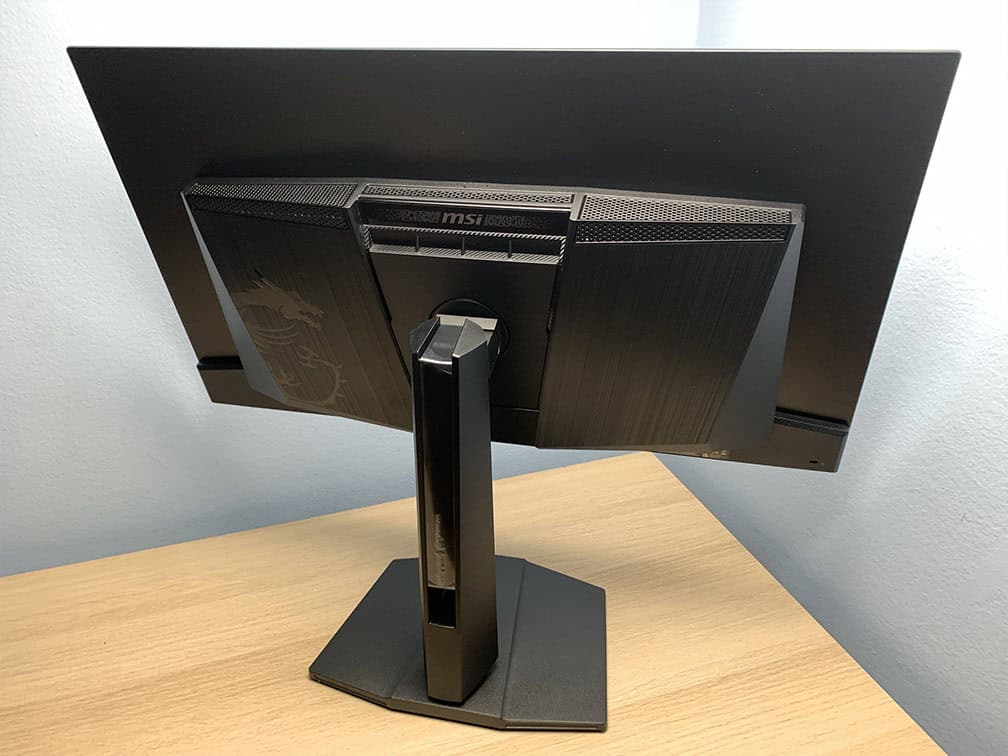
The stand of the monitor is sturdy and offers a good range of ergonomics, including up to 110mm height adjustment, -5°/15° tilt, +/- 30° swivel, +/- 10° pivot for balancing and 100x100mm VESA mount compatibility.
It has a heatsink for cooling and a semi-glossy screen finish for a more vivid image, but it’s reflective and raises the black level when hit with direct lighting.
The new panel removes the magenta tint under direct lighting for 40% deeper blacks and has 2.5 times better scratch resistance than previous-gen panels.
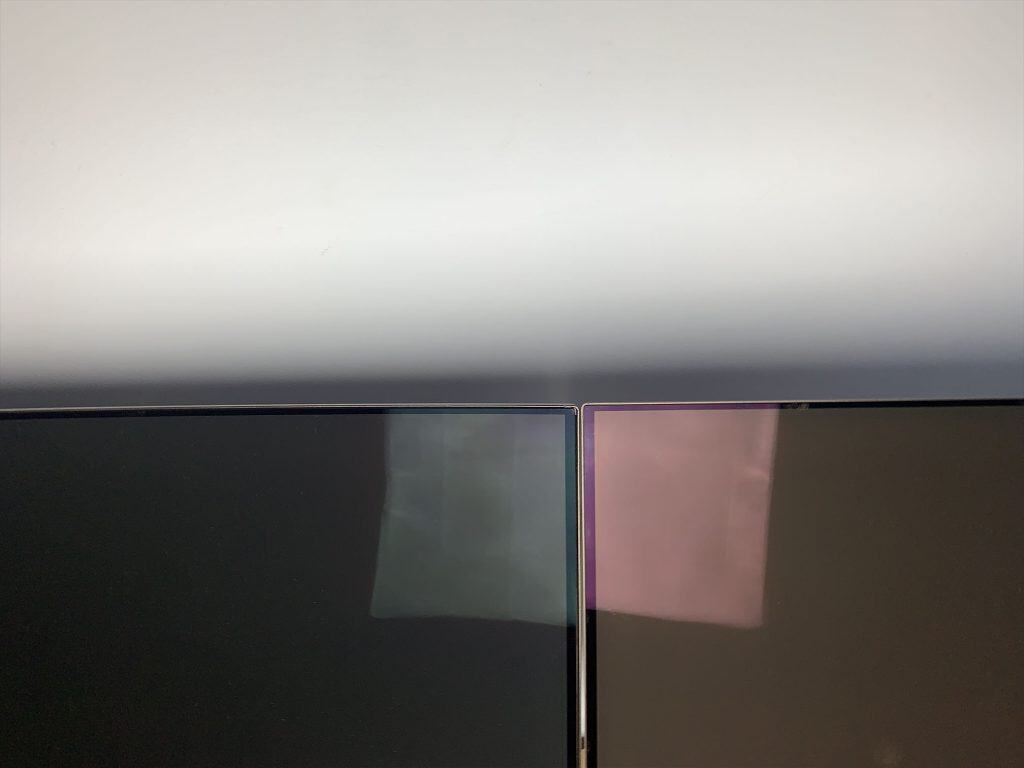
Connectivity options include DisplayPort 2.1 with full UHBR20 speed, two HDMI 2.1 ports with full 48 Gbps and CEC support, USB-C with DP Alt Mode and 98W Power Delivery, a dual-USB 3.0 hub (2 downstream + 1 upstream type B), a headphone jack and built-in KVM functionality.
Alternatives
- MSI MAG 321UP QD-OLED X24 – cheaper version without built-in KVM, AI Care Sensor, and lower 15W PD over USB-C
- ASUS PG32UCDM3 – more premium version with Dolby Vision and BFI at 120Hz support (making it better for console gaming)
- Gigabyte MO32U24
- BenQ EX321UZ
ASUS XG32UQWMS
32″ Tandem W-OLED Gaming Monitor
Panel: OLED
Resolution: 3840×2160
Refresh Rate: 240Hz (1080p 480Hz)
The Pros:
- Wide color gamut, high pixel density
- Plenty of features, including VRR up to 240Hz, 1080p 480Hz Mode
- Ergonomic design
- 3-year burn-in warranty
The Cons:
- Risk of burn-in
- Not as bright as mini LED panels
- No USB-C / KVM
About The Monitor
If you’re looking for a 32″ 4K 240Hz OLED gaming monitor with a 1080p 480Hz Dual Mode, the ASUS XG32UQWMS is worth considering.
Image Quality
The XG32UQWMS uses a new Tandem W-OLED panel that can reach 335 nits at 100% APL and up to 1500 nits at 1.5% APL. This is an improvement over previous-generation models such as the ASUS XG32UCWMG, which reached 275 nits at 100% APL and 1300 nits at 1.5% APL.
The bigger improvement, however, comes from the panel’s higher color luminance enabled by Tandem OLED technology. It delivers around 25% more color volume, resulting in brighter, more vibrant colors and higher overall perceived brightness. Color luminance is now much closer to QD-OLED, although it still falls slightly behind.
The XG32UQWMS also features a Dual Mode that lets you quickly switch between 4K at 240Hz and 1080p at 480Hz.
Naturally, 1920×1080 can look somewhat soft when displayed across the 31.5″ screen since it’s a non-native resolution. However, the reduced sharpness becomes less noticeable when sitting farther away, particularly in games and videos, while the 480Hz refresh rate provides exceptionally smooth and clear motion.
The monitor uses an RGWB subpixel layout, which can result in some minor color fringing around small text and fine details. However, the high pixel density makes this relatively unobtrusive during everyday use.
Other features include VRR support up to 240Hz (480Hz at 1080p), Shadow Boost, a refresh rate counter, BFI support up to 120Hz and customizable crosshair overlays.
Design & Connectivity
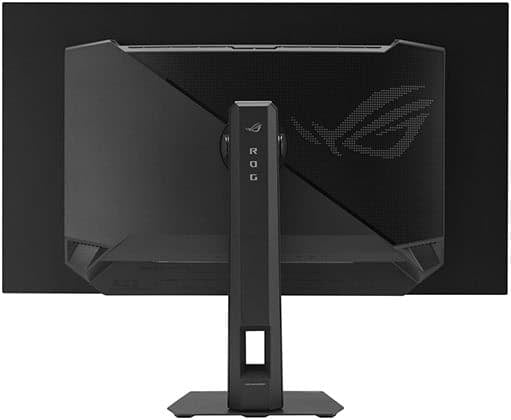
The stand of the monitor offers height adjustment up to 110mm, +/- 25° swivel, -5°/20° tilt and 100x100mm VESA mount compatibility.
The screen has ASUS’ TrueBlack glossy coating, which offers a more vivid image quality (but it’s also more reflective). Moreover, unlike QD-OLED’s semi-glossy finish, it doesn’t raise blacks when hit by direct lighting.
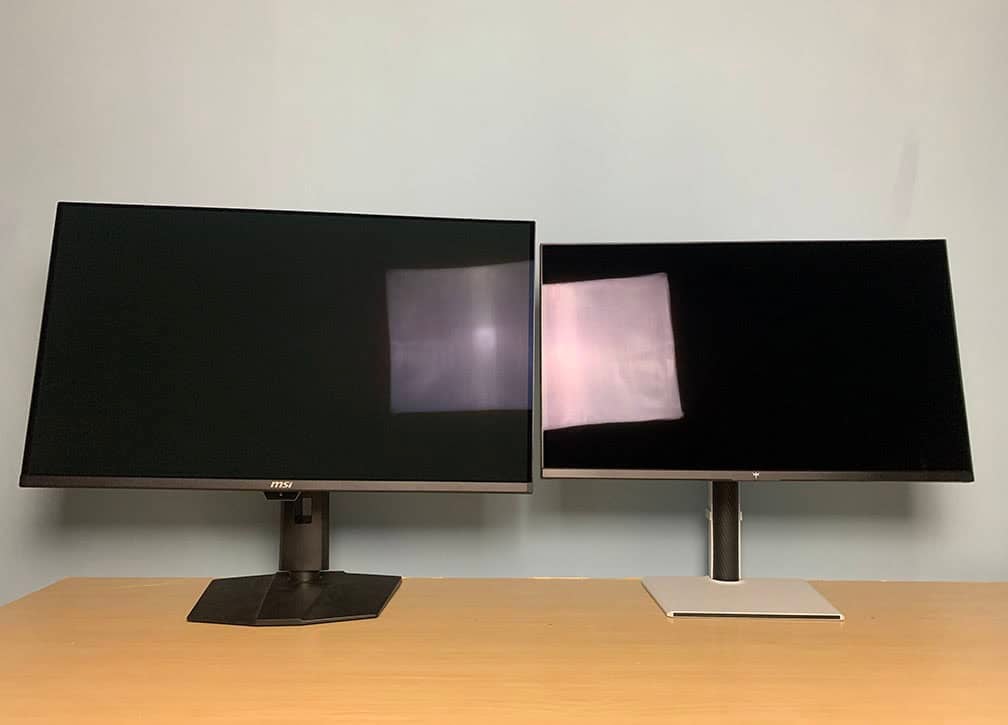
Connectivity options include DP 1.4 with DSC, two HDMI 2.1 ports with full 48 Gbps bandwidth, two downstream USB-A 3.0 ports, USB-B and a headphone jack.
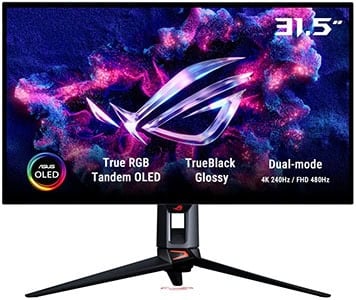
ASUS PG32UCWM
32″ Tandem W-OLED RGB Gaming Monitor
Panel: OLED
Resolution: 3840×2160
Refresh Rate: 240Hz (1080p 480Hz)
The Pros:
- Wide color gamut, high pixel density
- Plenty of features, including VRR up to 240Hz, 1080p 480Hz Mode
- Ergonomic design and rich connectivity options: KVM, USB-C 90W PD
- 3-year burn-in warranty
The Cons:
- Risk of burn-in
- Not as bright as mini LED panels
About The Monitor
The ASUS PG32UCWM features a new Tandem W-OLED panel with a true RGB-stripe subpixel layout for sharper text and fine details, though its white luminance is lower than that of other recent W-OLED panels.
Image Quality
Because it doesn’t use a white subpixel like previous-generation W-OLED panels, the PG32UCWM produces sharper text without the colored fringing that can appear around fine details with other OLED subpixel layouts.
That said, fringing was already relatively subtle on those panels thanks to their high pixel density, so the improved text clarity will mainly benefit users who are particularly sensitive to subpixel fringing.
The lack of a white subpixel also limits white luminance to 250 nits at 100% APL and 1000 nits at 1.5% APL. However, color luminance is up to 27% higher than on previous-generation panels, resulting in a similar overall perceived brightness while producing more vibrant colors despite the lower white luminance.
Other features include Dolby Vision support, a Neo Proximity Sensor, VRR, BFI, Shadow Boost, customizable crosshair overlays, a refresh rate counter and PiP/PbP support.
Design & Connectivity
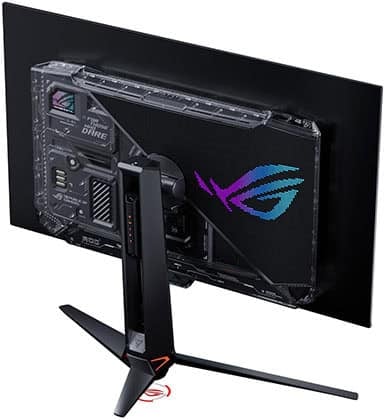
The stand of the monitor offers height adjustment up to 80mm, +/- 15° swivel, -5°/20° tilt and 100x100mm VESA mount compatibility.
Connectivity options include DP 2.1 with full UHBR20 speed, two HDMI 2.1 ports with full 48 Gbps, USB-C with DP Alt Mode and 90W PD, three downstream USB-A 3.0 ports, USB-B, a headphone jack and built-in KVM.
LG OLED42C6
Best 42″ HDR Gaming Display
Size: 42”
Resolution: 3840×2160
Panel: OLED
Refresh Rate: 165Hz
The Pros:
- Infinite contrast ratio, decent peak brightness, wide color gamut
- Instant response time
- Plenty of features, including VRR up to 165Hz
- Rich connectivity options, smart OS
The Cons:
- Risk of burn-in
- Noticeable text fringing due to RWBG subpixel layout
- Not as bright as mini LED displays
About The Monitor
Many gamers love using LG’s 42″ C6 TV as a desktop monitor and find its large size surprisingly manageable.
Image Quality
For most users, a 42-inch screen will be too large for typical desktop use. However, if you’re comfortable with the size, the LG OLED42C6 offers excellent value at around $1100.
It delivers the image quality you’d expect from a modern OLED display, including wide viewing angles, a wide color gamut, an effectively infinite contrast ratio, and solid brightness. The 4K UHD resolution also results in a decent pixel density of around 106 PPI.
Motion clarity isn’t quite as smooth as on higher refresh rate OLED monitors due to its 165Hz refresh rate, but the instantaneous pixel response time and VRR support still provide a highly responsive gaming experience.
Since it’s a TV rather than a traditional monitor, you also get a full range of smart TV features, along with support for Dolby Vision.
Design & Connectivity
The LG OLED42C6 has a design with legs to better fit on a regular PC desk, but there are no ergonomic adjustments apart from VESA mount compatibility. It has a glossy screen finish for a more vibrant image quality, but it’s reflective.
Connectivity options include four HDMI 2.1 ports, RJ45, tuner, composite-in, both analog and digital audio jacks, two USB 2.0 ports, WiFi, Bluetooth and dual 10W built-in speakers (no subwoofer).
Best UltraWide Mini LED HDR Gaming Monitors

Acer X34 X0
34″ UltraWide Mini LED Gaming Monitor
Size: 34”
Resolution: 3440×1440
Panel: VA
Refresh Rate: 200Hz
The Pros:
- High contrast ratio, impressive peak brightness, decent color gamut
- Plenty of features, including VRR up to 200Hz
- Ergonomic stand, USB-C (65W PD)
The Cons:
- Noticeable blooming in some scenes
- Minor ghosting in dark scenes
- VRR brightness flickering in dark scenes of games with fluctuating frame rates (expected drawback of VA panels)
About The Monitor
If you’re looking for an ultrawide gaming monitor with a mini LED backlight, the Acer Predator X34 X0 is worth considering.
Image Quality
The Predator X34 X0 is a 34″ 3440×1440 200Hz ultrawide gaming monitor with a 1500R curved VA panel, high native contrast, up to 1000 nits of peak brightness and 1152 local dimming zones.
The VA panel can result in some minor ghosting behind fast-moving objects, but its high native contrast provides deeper blacks and helps reduce blooming compared to IPS-based mini LED displays.
The 21:9 ultrawide aspect ratio gives you a wider field of view in supported games while providing additional horizontal screen space for productivity. In terms of screen area, it’s essentially a 27-inch 1440p monitor with roughly 30% more width.
It also offers a wide 99% DCI-P3 color gamut and a range of useful features, including customizable crosshair overlays, on-screen timers, VRR support, 22-inch and 24-inch screen-size emulation modes, and Black Boost for improved visibility in dark scenes.
Design & Connectivity

The stand of the monitor offers height adjustment up to 120mm, -5°/20° tilt, +/- 20° swivel and 100x100mm VESA mount compatibility.
Connectivity options include two HDMI 2.1 ports, DP 1.4, USB-C with DP Alt Mode and 65W PD and a headphone jack.

Samsung G95NC
57″ Super-UltraWide HDR Gaming Monitor
Size: 57”
Resolution: 7680×2160
Panel: VA
Refresh Rate: 240Hz
The Pros:
- High contrast ratio, impressive peak brightness, decent color gamut
- Fast response time
- Plenty of features, including VRR up to 240Hz
- Ergonomic stand, USB hub, KVM
The Cons:
- Expensive
- Noticeable blooming in some scenes
- VRR brightness flickering in dark scenes of games with fluctuating frame rates (expected drawback of VA panels)
About The Monitor
If you want an even larger mini LED ultrawide display, the Samsung Odyssey G95NC takes things to another level.
Samsung previously offered 49-inch 32:9 mini LED models, but these have since been discontinued and replaced by this massive 57-inch 7680×2160 display.
Image Quality
The G95NC is essentially equivalent to having two 32″ 4K monitors side by side, but without a bezel breaking up the image.
With its 7680×2160 resolution, this super-ultrawide gaming monitor requires a powerful gaming PC to take full advantage of its capabilities.
It’s also worth noting that RTX 40-series GPUs are limited to 120Hz at the monitor’s native 7680×2160 resolution, while RTX 50-series and AMD Radeon 7000-series or newer GPUs can drive the full 240Hz refresh rate.
The Samsung Odyssey G9 G95NC can reach up to 1300 nits on small HDR highlights below 10% APL and up to 800 nits across a full-screen white window.
Its 2392-zone mini LED FALD backlight provides excellent backlight control, keeping blooming to a minimum, although some blooming can still be visible in demanding scenes.
It also offers a respectable 95% DCI-P3 color gamut, a fast 1ms GtG response time, and a comprehensive set of gaming features, including VRR support up to 240Hz.
Design & Connectivity

The stand of the monitor offers height adjustment up to 120mm, -5°/12° tilt, +/- 15° swivel and 100x100mm VESA mount compatibility. The screen has a steep 1000R curvature for added immersion.
Connectivity options include DP 2.1, three HDMI 2.1 ports, a headphone jack, two USB-A 3.0 ports and two USB-B ports for the integrated KVM functionality.
Best UltraWide OLED HDR Gaming Monitors
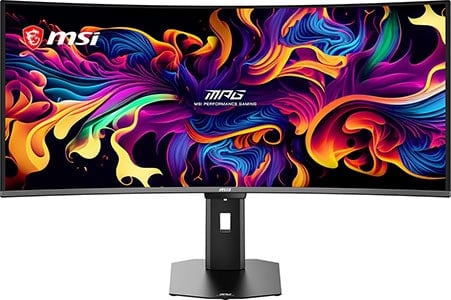
MSI MPG 341CQR QD-OLED X36
Best 34″ UltraWide Gaming Monitor
Size: 34”
Resolution: 3440×1440
Panel: QD-OLED
Refresh Rate: 360Hz
The Pros:
- Infinite contrast ratio, high peak brightness, wide color gamut
- Instant response time
- Plenty of features, including VRR up to 360Hz, MPRT up to 180FPS
- Ergonomic stand, USB-C 98W PD, KVM
- 3-year warranty that covers burn-in
- New panel with improved brightness, text clarity and screen coating
The Cons:
- Risk of burn-in
- Not as bright as mini LED displays
About The Monitor
The MSI MPG 341CQR QD-OLED X36 brings several major upgrades over the previous-generation ultrawide OLED panels, making it a particularly compelling 34″ 3440×1440 gaming monitor.
Image Quality
The 341CQR X36 features a new QD-OLED panel with DisplayHDR True Black 500 certification, delivering higher brightness across different APL levels. It reaches 300 nits at 100% APL, 500 nits at 10% APL, and up to 1,300 nits at 3% APL, compared to 250, 450, and 1,000 nits, respectively, on the previous-generation panel.
It also features MSI’s EOTF Boost HDR mode, which combines the Peak 1300 nits and True Black 500 modes to improve HDR brightness performance while maintaining a strong contrast range.
Another major upgrade is the new V-stripe RGB subpixel layout, which significantly reduces color fringing around small text and fine details. This makes it a substantial improvement over popular first-generation QD-OLED ultrawide monitors such as the Dell AW3423DW and AW3425DW.
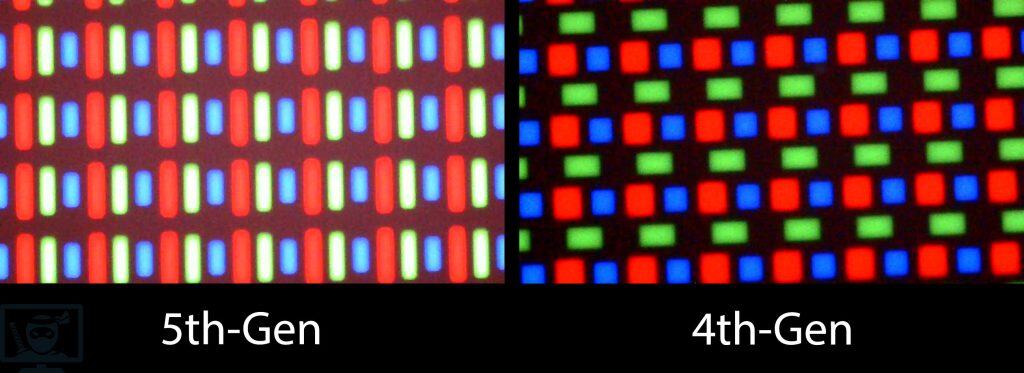
The 341CQR X36 also increases the refresh rate to 360Hz while retaining the features found on previous-generation models.
Additional gaming features include BFI support up to 180Hz and an AI Care Sensor that can automatically turn off the display when it detects that nobody is in front of it and turn it back on when someone returns.
Check out our in-depth MSI MPG 341CQR QD-OLED X36 review for more details.
Design & Connectivity
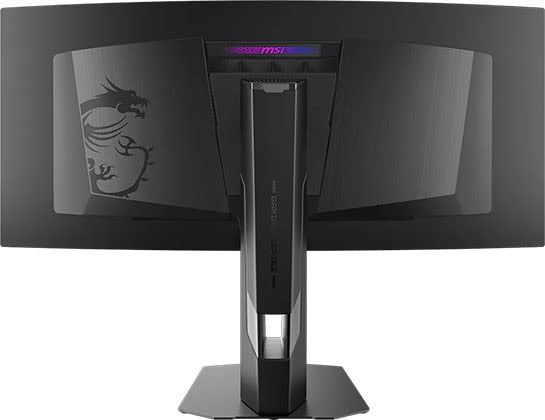
Another big advantage of the new model is the improved DarkArmor Finish, which increases black depth by 30% by removing the magenta cast and offers 2.5x better scratch resistance.
It has a robust design with -5°/15° tilt, +/- 30° swivel, +/- 10° pivot, up to 110mm height adjustment and 100x100mm VESA mount compatibility.
Connectivity options include two HDMI 2.1 ports, DP 2.1 with UHBR13.5, USB-C with DP Alt Mode and 98W PD, a dual-USB 3.0 hub, a headphone jack and integrated KVM.
Alternatives
The 341CQR X36 model is often out of stock, so if you can’t get it or want something similar but cheaper, check out the MSI MAG 341CQP QD-OLED X28 variant.
It has a lower 280Hz refresh rate, no DP 2.1, lower 15W PD over USB-C, no USB hub or built-in KVM and no AI Care Sensor, but it can be found for just $750 yet it offers the same viewing experience with 1300 nits 3% APL peak brightness, RGB subpixel layout and the upgraded screen coating.
Other alternatives include the ASUS PG34WCDN with 360Hz and DP 2.1 with UHBR20, but it goes for $1300, whereas the 341CQR X36 can be found for $900. As for the 280Hz models, there’s the Dell AW3426DW for $800.
There’s also the MSI 341QPXW14G with a 34″ 3440×1440 144Hz flat-screen panel for $750.

LG 39GS95QE
39″ HDR UltraWide Gaming Monitor
Size: 39”
Resolution: 3440×1440
Panel: OLED
Refresh Rate: 240Hz
The Pros:
- Infinite contrast ratio, decent peak brightness, wide color gamut
- Instant response time
- Plenty of features, including VRR up to 240Hz
- 2-year warranty that covers burn-in
The Cons:
- Risk of burn-in
- Noticeable text fringing due to RWBG subpixel layout
- Not as bright as mini LED displays
- Only a 2-year burn-in warranty
About The Monitor
If you’re looking for a larger ultrawide HDR gaming monitor, the LG 39GS95QE is worth considering.
Image Quality
Many gamers prefer ultrawide displays larger than the typical 34″ models, with 38 to 39″ screens being a popular choice. Ideally, the resolution should also increase to maintain a similar pixel density. In this case, 3840×1600 would provide roughly the same 110 PPI as a 34″ 3440×1440 monitor.
Unfortunately, the LG 39GS95QE retains the same 3440×1440 resolution as 34″ ultrawide displays. This means you get a larger screen without any additional desktop space, while text and fine details aren’t quite as sharp.
The resulting pixel density is around 95 PPI, similar to a 24″ 1080p or 32″ 1440p monitor. Details are still reasonably sharp, though. In terms of screen size, you can think of the 39GS95QE as a 32″ 2560×1440 display with roughly 30% extra width.
The monitor uses LG’s MLA+ W-OLED panel, which can reach up to 1300 nits for small HDR highlights and around 275 nits at 100% APL (Average Picture Level). Its colors aren’t quite as bright or saturated as those of QD-OLED panels, but the monitor still offers an impressive 98.5% DCI-P3 coverage.
This W-OLED panel also uses the older RWBG subpixel layout rather than the newer RGWB arrangement, which can cause some minor color fringing around small text and fine details.
This is generally unnoticeable in games and videos, but it can become distracting if you plan to use the monitor extensively for reading or other text-heavy work.
Finally, the 39GS95QE features a 240Hz refresh rate. Combined with OLED’s near-instantaneous pixel response time, this provides exceptionally smooth motion and responsive gameplay. VRR is also supported, with NVIDIA G-SYNC Compatible and AMD FreeSync Premium Pro certification for tear-free gameplay up to 240Hz.
Design & Connectivity

The stand of the monitor is sturdy and offers a good range of ergonomics, including up to 120mm height adjustment, +/- 10° swivel, -10°/15° tilt and 100x100mm VESA mount compatibility.
The screen has a steep 800R curvature for added immersion and a bit heavier matte anti-glare coating that adds some graininess to the image (mainly noticeable on solid colors) but it efficiently prevents reflections.
Connectivity options are abundant and include DisplayPort 1.4 with DSC, two HDMI 2.1 ports with full 48 Gbps bandwidth, a headphone jack (with DTS Headphone:X support) and a dual-USB 3.0 hub.
Alternatives
- ASUS ROG Swift PG39WCDM – ASUS’ model based on the same panel with KVM, USB-C (90W Power Delivery, DP Alt Mode), BFI up to 120Hz and a better 3-year burn-in warranty. No word on pricing and availability yet though.
Dell AW3926QW
Best 39″ HDR UltraWide Gaming Monitor
Size: 39”
Resolution: 5120×2160
Panel: OLED
Refresh Rate: 5K2K 165Hz, 1080p 330Hz
The Pros:
- Infinite contrast ratio, strong peak brightness, wide color gamut
- Instant response time
- High pixel density
- Plenty of features, including VRR up to 165Hz at 5K2K, 330Hz at 1080p
- 3-year warranty that covers burn-in
- USB-C 90W PD, DP 2.1, KVM
The Cons:
- Risk of burn-in
- Not as bright as mini LED displays
About The Monitor
If you’re looking for a 39″ ultrawide monitor with a high resolution, the Dell AW3926QW is an excellent choice for both gaming and productivity!
Image Quality
The Dell AW3926QW features a 5120×2160 resolution, resulting in a high pixel density of 144.34 PPI (pixels per inch). So, you’re basically getting a 32″ 4K display with ~30% extra horizontal screen space!
It offers a strong peak brightness of up to 1300 nits at 1.5% APL and 300 nits at 100% APL. It also uses an RGB-stripe subpixel layout, which eliminates color fringing on small text and fine details.
The monitor has a maximum refresh rate of 165Hz, but you can switch to 2560×1080 resolution for up to 330Hz. Other useful features include VRR, Dolby Vision, and screen emulation modes for 25″, 27″ and 32″ displays.
Design & Connectivity
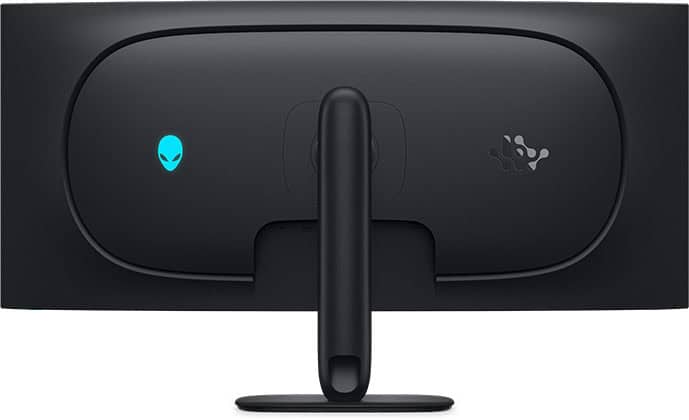
The stand offers height adjustment up to 110mm, -5°/21° tilt, +/- 5° pivot and +/- 20 ° swivel adjustments, as well as 100x100mm VESA mount compatibility.
Connectivity options include DP 2.1 (UHBR20), two HDMI 2.1 ports (one with eARC), USB-C with 90W PD and DP Alt Mode, two USB-A ports, USB-B, a headphone jack and built-in KVM functionality.
The screen has a more moderate 1500R curvature, which is a welcome change from the previous-gen 800R curvature that most users found too steep.
It has a glossy screen surface for a more vivid image quality without the graininess associated with matte anti-glare coatings. However, you have to keep in mind the lighting in your room, as direct light hitting the screen causes mirror-like reflections.
Alternatives
The LG 39GX950B has a panel with a higher brightness – 1500-nits for 1.5% APL and 335-nits for 100% APL, as well as higher color luminance, but it has the RGWB subpixel layout that can cause minor fringing on small text and fine details. However, thanks to its high pixel density, the fringing isn’t that noticeable.
Another difference is that the LG 39GX950B has a matte anti-glare coating instead of a glossy screen surface, and it doesn’t have built-in KVM, so you’ll have to pick between the two according to your personal preference.

LG 45GX900A
45″ HDR UltraWide Curved Gaming Monitor
Size: 45”
Resolution: 3440×1440
Panel: OLED
Refresh Rate: 240Hz
The Pros:
- Infinite contrast ratio, decent peak brightness, wide color gamut
- Instant response time
- Plenty of features, including VRR up to 240Hz
- Ergonomic stand, USB hub
The Cons:
- Risk of burn-in
- Not as bright as mini LED displays
- Low pixel density
- Only a 2-year burn-in warranty
- Noticeable text fringing due to RWBG subpixel layout
About The Monitor
The LG 45GX900A is a 45″ 3440×1440 240Hz ultrawide OLED gaming monitor with an extremely steep 800R screen curvature.
Image Quality
It uses an MLA+ W-OLED panel that can reach up to 1300 nits at 1.5% APL, 750 nits at 10% APL, and 275 nits at 100% APL for HDR.
The 3440×1440 resolution on its 44.5″ viewable screen results in a mediocre pixel density of 83.8 PPI, which is similar to 1080p on a 27″ display.
However, this is less noticeable at the typical viewing distance for such a large ultrawide monitor. The lower resolution also makes it significantly easier to drive than a 5K2K display, requiring much less GPU power.
It also offers a wide 98.5% DCI-P3 color gamut, VRR support up to 240Hz, and standard gaming features such as Black Stabilizer, crosshair overlays and a refresh rate tracker.
Additionally, the built-in webOS platform provides smart TV functionality, allowing you to access popular streaming apps directly from the monitor.
Design & Connectivity

The stand of the monitor is sturdy and offers a good range of ergonomics, including up to 120mm height adjustment, +/- 10° swivel, -1°/15° tilt and 100x100mm VESA mount compatibility.
Connectivity options include DisplayPort 1.4, two HDMI 2.1 ports, USB-C with DP Alt Mode and 65W PD, two USB-A 3.0 ports, dual 7W integrated speakers and a headphone jack with DTS Headphone:X support.

LG 45GX950A
Best UltraWide OLED Gaming Monitor
Size: 45”
Resolution: 5120×2160
Panel: OLED
Refresh Rate: 165Hz, 2560×1080 330Hz
The Pros:
- Infinite contrast ratio, decent peak brightness, wide color gamut
- Instant response time
- Plenty of features, including VRR up to 165Hz (330Hz in Dual Mode)
- Ergonomic stand, USB hub, USB-C 90W PD
The Cons:
- Risk of burn-in
- Not as bright as mini LED displays
- Low pixel density
- Only a 2-year burn-in warranty
About The Monitor
If you’re looking for a 45″ OLED monitor with a higher resolution, the LG 45GX950A is an excellent choice!
Image Quality
The LG 45GX950A features a 5120×2160 (5K2K) resolution, resulting in a high pixel density of 125 PPI. This gives you a huge screen for an immersive viewing experience while still providing plenty of screen real estate and sharp, detailed images.
It also uses an improved RGWB subpixel layout, which significantly reduces color fringing on small text and fine details. The MLA+ technology allows the panel to reach up to 1300 nits at 1.5% APL and 275 nits at 100% APL for HDR.
Other features include 98.5% DCI-P3 color gamut coverage with an sRGB emulation mode, standard gaming features such as Black Stabilizer and crosshair overlays, PiP/PbP support, and hardware calibration.
The monitor also supports a Dual Mode, allowing you to switch to 2560×1080 resolution for a higher 330Hz refresh rate. However, the resulting low pixel density produces a noticeably blurry image, so this mode is mainly useful for competitive fast-paced games, especially if you’re not particularly sensitive to low PPI.
Design & Connectivity

The stand of the monitor offers height adjustment up to 120mm, +10°/15° tilt, +/- 10° swivel and 100x100mm VESA mount compatibility.
The screen has a steep 800R curvature for added immersion and a bit heavier matte anti-glare coating that’s very efficient at diffusing reflections, but adds some graininess to the image (only slightly noticeable on solid colors).
Connectivity options include DP 2.1 (UHBR 13.5), two HDMI 2.1 ports, USB-C with DP Alt Mode and 90W PD, two USB-A ports, a headphone jack and dual 10W integrated speakers.

MSI MPG 491CQPX
49″ OLED HDR UltraWide Gaming Monitor
Size: 49”
Resolution: 5120×1440
Panel: OLED
Refresh Rate: 240Hz
The Pros:
- Infinite contrast ratio, decent peak brightness, wide color gamut
- Instant response time
- Plenty of features, including VRR up to 240Hz
The Cons:
- Risk of burn-in
- Not as bright as mini LED displays
About The Monitor
The MSI MPG 491CQPX is a 49″ super-ultrawide OLED gaming monitor that combines the immersive 32:9 format with the excellent image quality and motion performance of OLED.
Image Quality
The MSI MPG 491CQPX brings the key advantages of OLED, including an effectively infinite contrast ratio and near-instantaneous response times, to the 49″ super-ultrawide format that many gamers prefer.
It uses Samsung’s third-generation QD-OLED panel, which delivers vibrant colors and high peak brightness (1000 nits 3% APL, 250 nits 100% APL).
For gaming, you get VRR support up to 240Hz with FreeSync Premium Pro certification, along with useful features such as Black Equalizer, crosshair overlays, and PiP/PbP support.
Design & Connectivity

The stand of the monitor offers height adjustment up to 100mm, +/- 30° swivel, -5°/20° tilt and 100x100mm VESA mount compatibility.
It uses the same screen coating as other QD-OLED panels, meaning that the image is more vivid, but also more reflective, and it has a moderate 1800R screen curvature for extra immersion.
Connectivity options include two HDMI 2.1 ports, DisplayPort 1.4 with DSC, USB-C with DP Alt Mode and 98W PD, a dual-USB 3.0 hub and a headphone jack.
Alternatives
- MSI MPG 491CQP – the cheaper model with 144Hz
- Samsung OLED G9 – Samsung’s model that’s usually more expensive yet doesn’t have USB-C or KVM
In the first half of 2027, we’re expecting 49″ 5120×1440 QD-OLED models with a higher 360Hz refresh rate, higher 1300 nits 3% APL peak brightness and most likely an RGB subpixel layout as well.
Conclusion
Did you find the best gaming monitor for you?
If you have any questions, leave a comment below!
Updates +
- October 7, 2026:
– Added Amazon Prime Day deals. - September 29, 2026:
– Added the LG 25G950B and the BenQ XQ2566X.
– Updated review summaries. - July 14, 2026:
– Replaced the Dell AW3425DW with the Dell AW3426DW. - June 29, 2026:
– Replaced the Sansui ES-G24F4 with the AOC 24G42HE, the Dell AW2523HF with the KTC 25M1, the Dell AW3423DWF with the Dell AW3425DW.
– Removed the ASUS XG259CMS, the MSI MAG301RF, the Innocn 25M2S, the AOC Q27G40XMN, the Acer XV275U F3 and the MSI MAG 341CQPX.
– Added the ASUS XG27JCG. Review summaries will be updated soon. - April 30, 2026:
– Added the LG 52G930B.
– Added the LG 39GX950B, the MSI MPG 341CQR QD-OLED X36, the LG 27GM950B and the MSI MPG 322UR QD-OLED X24 to the table. Review summaries will be updated soon. - February 15, 2026:
– Added the KTC 27M1, the Sansui ES-G24F4 and the KTC H27P6 to the table. - November 27, 2025:
– Replaced the LG 45GS95QE with the LG 45GX900A. - November 24, 2025:
– Removed the BenQ XL2566K, the ASUS PG248QP, The Gigabyte GS32Q, the LG 32GQ850, the LG 34GN850, the Dell AW3821DW, the LG 27G850A, the Arzopa M3RC, the Samsung S43CG70, the Xiaomi G Pro 27i, the Samsung Neo G7, the Corsair Xeneon Flex and the BenQ EX321UX.
– Added the ASUS XG259CMS, the Innocn 25M2S, the Acer XV275U F3, The Acer X34 X0, and the Samsung 37″ and 40″ G75F.
– Replaced the Gigabyte M32QC with the LG 32G600A, the Titan Army P2510S with the Sansui ES-G25F6Q-Pro, the MSI MAG274UPF E2 with the Gigabyte M27UP, the LG OLED C4 with C5, the Innocn 32M2V with the KTC M32P10, the ASUS PG32UCDP with the ASUS XG32UCWMG, the MSI MPG 271QRX with the Dell AW2725DF and the ASUS XG27UCDMG with the MSI MAG 272UP QD-OLED X24. Review summaries will be added soon. - July 9, 2025:
– Added the KTC M27T6 and KTC M27P6 to the table. Review summaries will be added soon. - May 30, 2025:
– Replaced the HP Omen 27qs with the KTC H27E6. - April 23, 2025:
– Replaced the BenQ EX240 with the KTC H24F8, the Acer XV252QF with the Dell AW2523HF, the Koorui 27E6QC with 27E6QCA, the KTC H27T22S with H27T22, the AOC Q27G3XMN with Q27G40XMN, the Sceptre E325B with the Gigabyte GS32Q, the Acer XR343CKP with the LG 34GN850, the MSI MAG274UPF with MAG274UPF E2, the MSI MAG323UPF with the Arzopa M3RC, the MSI MPG 272URX with the ASUS XG27UCDMG.
– Added the BenQ XL2586X+. - March 26, 2025:
– Added the MSI MPG 272URX, the LG 45GX950A and the LG 27G850A. - January 17, 2025:
– Replaced the Samsung OLED G9 with the MSI MPG 491CQPX. - November 23, 2024:
– Added review summaries for the Titan Army P2510S, the KTC H32S25E and the BenQ EX321UX.
– Removed the Samsung Neo G95NA and the Odyssey G6.
– Replaced the Innocn 27G1S with the KTC H27E22, and the LG OLED42C3 with the OLED42C4.
– Added the Xiaomi G Pro 27i. - September 16, 2024:
– Added the Titan Army P2510S and the KTC H32S25E to the table. Review summaries will be added soon. - September 11, 2024:
– Added the ASUS PG27AQDP. - August 2, 2024:
– Replaced the LG 32GS95UE with the ASUS PG32UCDP. - July 25, 2024:
– Added the MSI MPG 341CQPX and the LG 45GS95QE. - June 20, 2024:
– Replaced the Acer XV271U M3 with the KTC H27T22S. - May 31, 2024:
– Replaced the ASUS PG329Q with the Sceptre E325B-QPN168, the Gigabyte G34WQCA with the KTC H34S18S, the Samsung C49G95T with the Samsung S49CG95.
– Removed the Cooler Master Tempest GP27Q.
– Added review summaries for the LG 32GS95UE and the LG 39GS95QE. - April 2, 2024:
– Replaced the Dell AW2725DF with the MSI MPG 271QRX, and the Dell AW3225QF with the MSI MPG 321URX. - February 13, 2024:
– Replaced the Samsung Odyssey G7 with G6, the Gigabyte M28U and M32U models with the MSI MAG274UPF and MAG323UPF models, the Acer X32FP with the Innocn 32M2V.
– Added the Innocn 27G1S and the Dell AW3225QF review summary. - January 16, 2024:
– Replaced the ASUS PG27AQDM with the Dell AW2725DF.
– Added the Dell AW3225QF. - December 12, 2023:
– Removed the ASUS XG249CM.
– Replaced the LG 34GP83A with the Acer XR343CKP and the Gigabyte M34WQ with the Sceptre E345B-QUN168W. - November 24, 2023:
– Replaced the Dell S2522HG with the ASUS XG249CM.
– Added the ASUS PG248QP. - November 9, 2023:
– Replaced the Gigbayte G27QCA with Koorui 27E6QC, the Gigabyte G32QCA with M32QC, The Acer XV272UV with Acer XV271UM3, the Gigabyte M32Q with ASUS PG329Q, the Acer XB283KKV with Gigabyte M27U, the LG 32GQ950 with Gigabyte M32U.
– Added review summaries for the AOC Q27G3XMN, Samsung OLED G9, Samsung Neo G95NC and HP Omen 27qs.
– Added the MSI MAG401QR.
– Added more alternatives for most monitors. - May 19, 2023:
– Added review summaries for the ASUS PG27AQDM, the Innocn 27M2V, the Acer X32FP and the Corsair Xeneon Flex.
– Replaced the Gigabyte FV43U with the Samsung S43CG70. - April 6, 2023:
– Replaced the LG 24GN600 with the Gigabyte G24F-2. - December 27, 2022:
– Added review summaries for the Cooler Master Tempest GP27Q and GP27U, the ASUS PG27AQN and the BenQ XL2566K.
– Removed the LG OLED48C1 and the ASUS PG42UQ since the LG OLED42C2 is now often available for ~$900. - November 24, 2022:
– Replaced the Dell AW3423DW with AW3423DWF and the MSI G273QF with the Acer XV272UV.
– Removed the Sony Inzone M9. - October 14, 2022:
– Checked up on the guide to ensure that our picks are still the best options available. - August 29, 2022:
– Replaced the LG 24GN650 with 24GN600, the Acer XB323UGX with the LG 32GQ850, and the MSI MPG321UR-QD with the LG 32GQ950.
– Removed the MSI MAG274QRF-QD.
– Added the Samsung Neo G7. - July 5, 2022:
– Replaced the LG 27GP950 with the Sony Inzone M9. - June 15, 2022:
– Replaced the AOC CU34G2X with the Gigabyte G34WQC-A. - April 20, 2022:
– Replaced the ASUS XG27AQM with the Gigabyte M27Q-X and the Acer XV252QF with the Acer Aopen 25XV2QF.
– Added the LG OLED42C2. - April 15, 2022:
– Added the LG OLED42C2 to the table. A review summary will be added soon. - March 14, 2022:
– Replaced the ASUS PG32UQX with the Dell AW3423DW. - February 8, 2022:
– Replaced the Gigabyte M28U with the Acer XB283KKV. - December 6, 2021:
– Added review summaries for the monitors that were missing them. - November 25, 2021:
– Checked up on the guide to ensure that our picks are still the best options available. - November 23, 2021:
– Added best early Black Friday deals to the table. - October 6, 2021:
– Replaced the Gigabyte G34WQC (discontinued) with the AOC CU34G2X. - September 8, 2021:
– Replaced the LG 27GP850 with the MSI MAG274QRF-QD, the LG 32GP850 with the Gigabyte M32Q, and the Acer XV272UX with the ASUS XG27AQM. - July 30, 2021:
– Replaced the Dell AW2521H with the Acer XV252QF.
– Replaced the LG OLED48CX with the LG OLED48C1.
– Added the Gigabyte M32U and the Samsung Odyssey Neo G9 to the table, review sections will be added soon. - July 4, 2021:
– Added a video for this guide. - June 29, 2021:
– Revamped the buyer’s guide – reduced the number of recommended monitors from 30 down to 17 for compactness and better readability. All the noteworthy monitors that were removed are now moved to ‘Alternatives.’ - May 26, 2021:
– Replaced the LG 27GL850 with the updated 27GP850 model. - May 7, 2021:
– Replaced the ASUS PG259QN with the Dell AW2521H. - March 27, 2021:
– Added information about LG’s new firmware update for the CX OLEDs, which alleviates the near-black gamma VRR issue. - February 9, 2021:
– Added the LG 32GN650 as an alternative to the LG 32GK650F. It’s the updated model with a slightly different design and a slightly higher refresh rate. - December 24, 2020:
– Replaced the Dell AW2721D with the Acer XV272UX. - December 9, 2020:
– Added the BenQ EX2510 and the Dell AW2721D.
– Replaced the AOC CU34G2X with the Gigabyte G34WQC.